
 Need help?
Do you have a question about the Classic Smart 1 Universal and is the answer not in the manual?
Enter a 3-digit code from the list to program the remote for your TV brand. Follow steps 1-5.
Use the library search to find the correct code if your TV brand is not listed or unknown.
Retrieve and record the currently stored 3-digit code number from the remote handset.
 General
| Brand | Classic |
|---|---|
| Model | Smart 1 Universal |
| Category | Remote Control |
| Language | English |

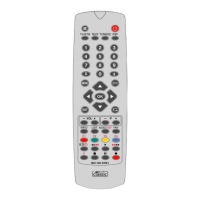


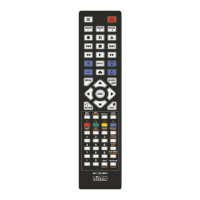
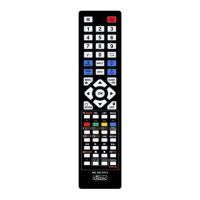

 To Next Page