
 Need help?
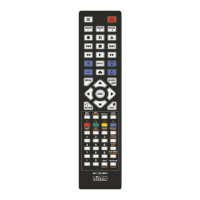
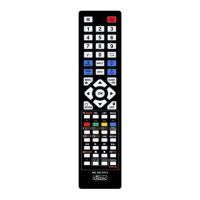
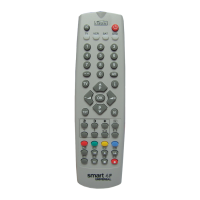
Do you have a question about the Classic Smart 4F and is the answer not in the manual?
Instructions for installing batteries into the remote control.
Procedure to set up the remote using a 3-digit code from the list.
How to set up the remote using the automatic code search function.
Instructions to retrieve the currently stored device code number.
Guide to adjusting TV picture and sound settings using the remote.
Programming the remote to control TV volume for other device modes.
Instructions for locking or unlocking buttons on the remote control.
Explanation of the low battery indicator and its meaning.
 General
| Brand | Classic |
|---|---|
| Model | Smart 4F |
| Category | Remote Control |
| Language | English |




 To Next Page