MP#XYY
33
www.tsicustomerservice.com26MMS9626REV.3
POWER
The POWER button supplies power to all of the functions of the sound system. The POWER button will
put the sound system in a standby mode.
CLOCK
Manual Time Set:
Hold "clock" for 3 seconds until the hour digits fl ashes.
Press the "+ / -" buttons to set the hour.
Press "clock" again. The minute digits will fl ash.
Press the "+ / -" buttons to set the minutes.
Press "clock" to confi rm.
INPUT SETTING
Press the "
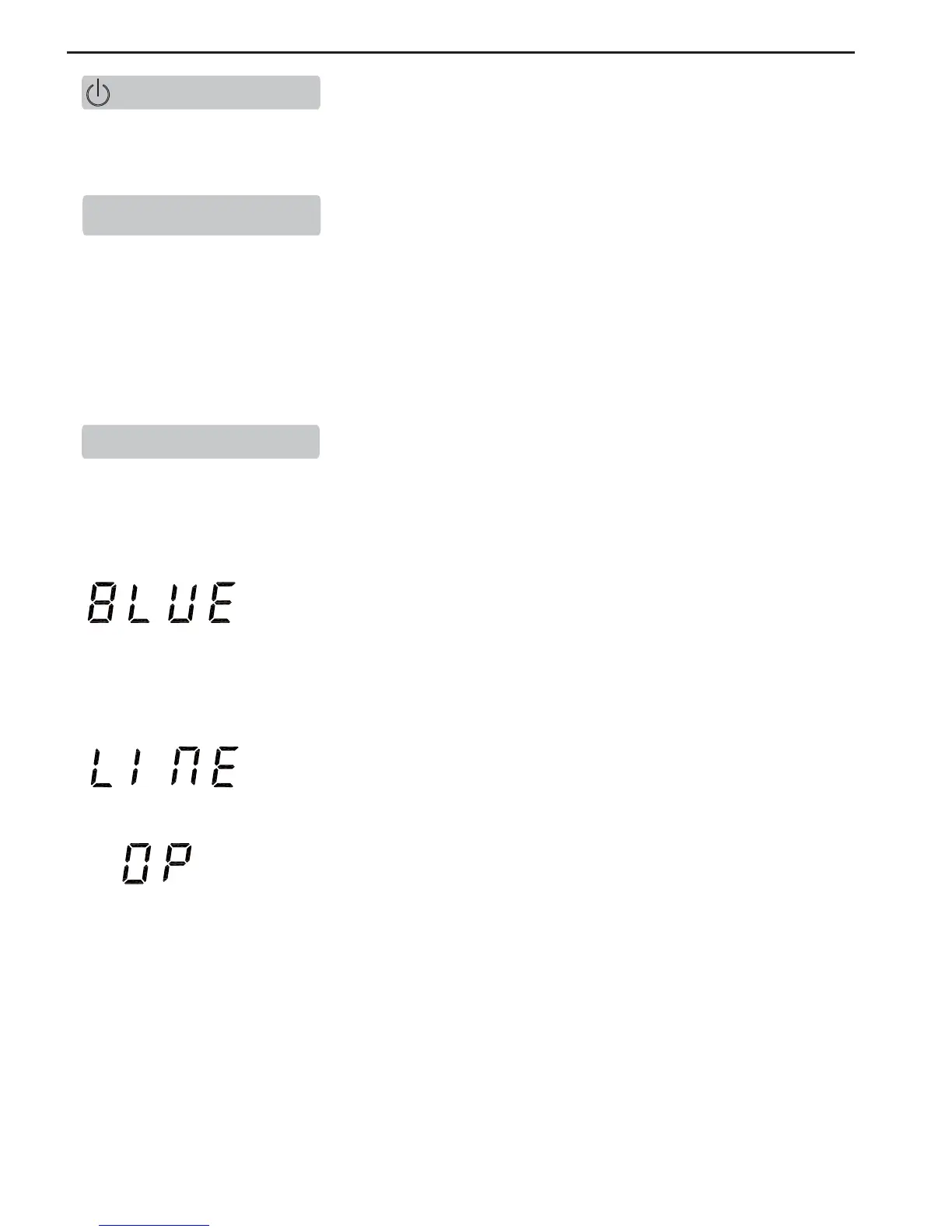
BLUE/LINE IN/OPTICAL
" button to scroll through the different input options:
OPERATION
Will search for other smartphones and devices. The blue fl ashing light
indicates the unit is searching for devices with a WPAN (Bluetooth) function
activated. Selecting TS-4006 from your device will link it to the console
and allow to stream sound from up to 10 meters away. The light will stay
continuously lit once a connection has been made to the device.
Bluetooth will search and connect with latest successful paired devices
automatically.
Will stream sound from your television or other device connected to the console
by RCA cables.
Will stream sound from your television or other device connected to the console
by Optical Cable.



 To Next Page