17
Cleaning Modes
Cleanmate S 930 have 4 different cleaning modes to meet different cleaning request.
1. Automatic Cleaning Mode
In standby status, press on robot body or press “ON/OFF” on
remote control, robot will enter automatic cleaning mode.
2. Y
ou can also select the cleaning mode when the
robot is cleaning, press the MODE button on remote
control to select the cleaning mode, the mode type will
appear on the robot’s 4 Digits LED Display as follow:
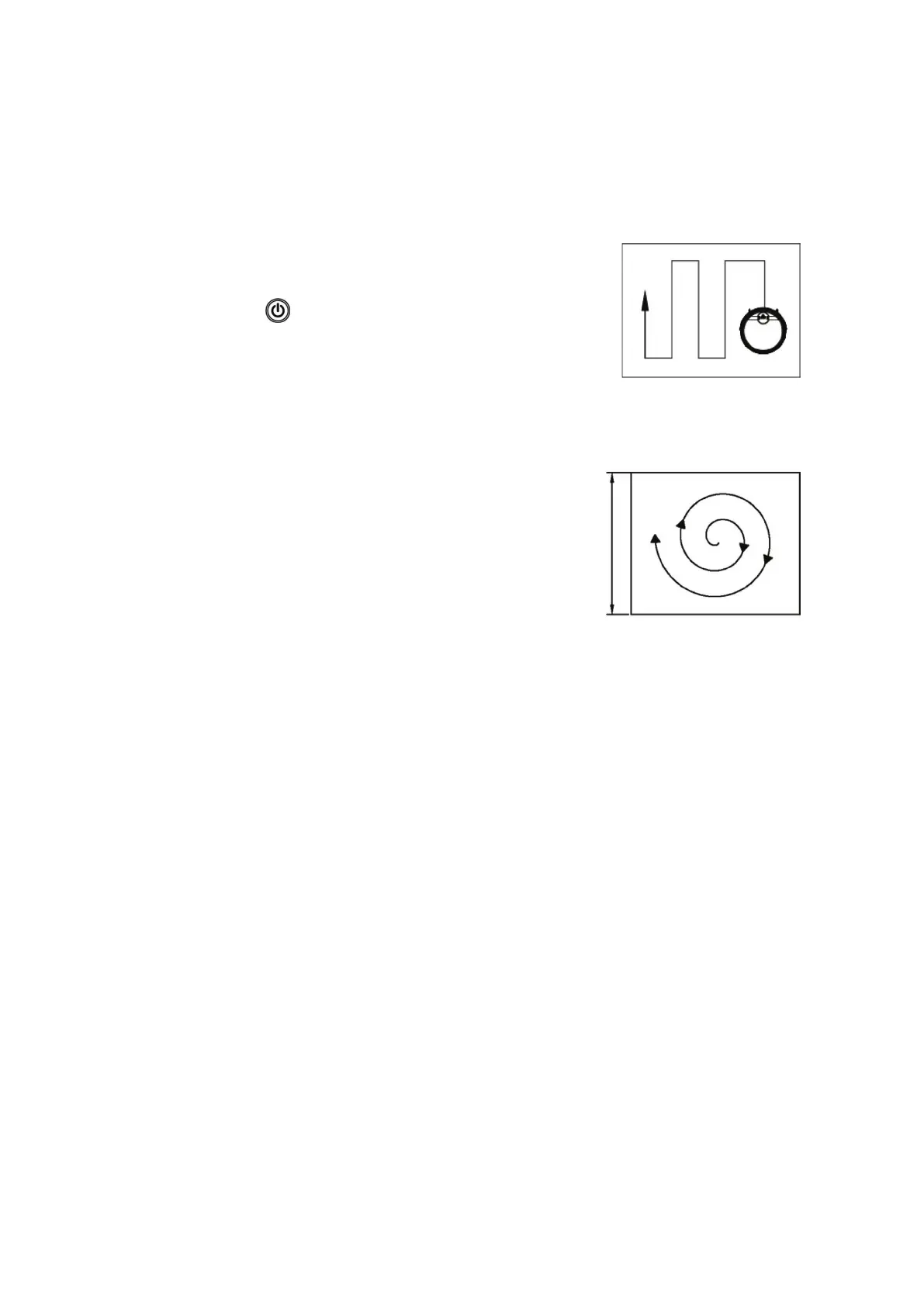
A. 1111: Spot Cleaning Mode
B. 2222: Zig-Zag Cleaning Mode
C. 3333: Random Cleaning Mode
D. 4444: Spot x 2 Cleaning Mode
3. Schedule Cleaning
You can set the schedule cleaning time according to your personal request.
Product Operation
Rolling brush kit, dust bin kit should be well installed (refer to below diagram)
4. MAX-cleaning
Press “MAX” on the remote control to start a powerful cleaning mode, The Cleanmate increases the vacuum power. and
increases the rolling brush RPM.



 To Next Page