7
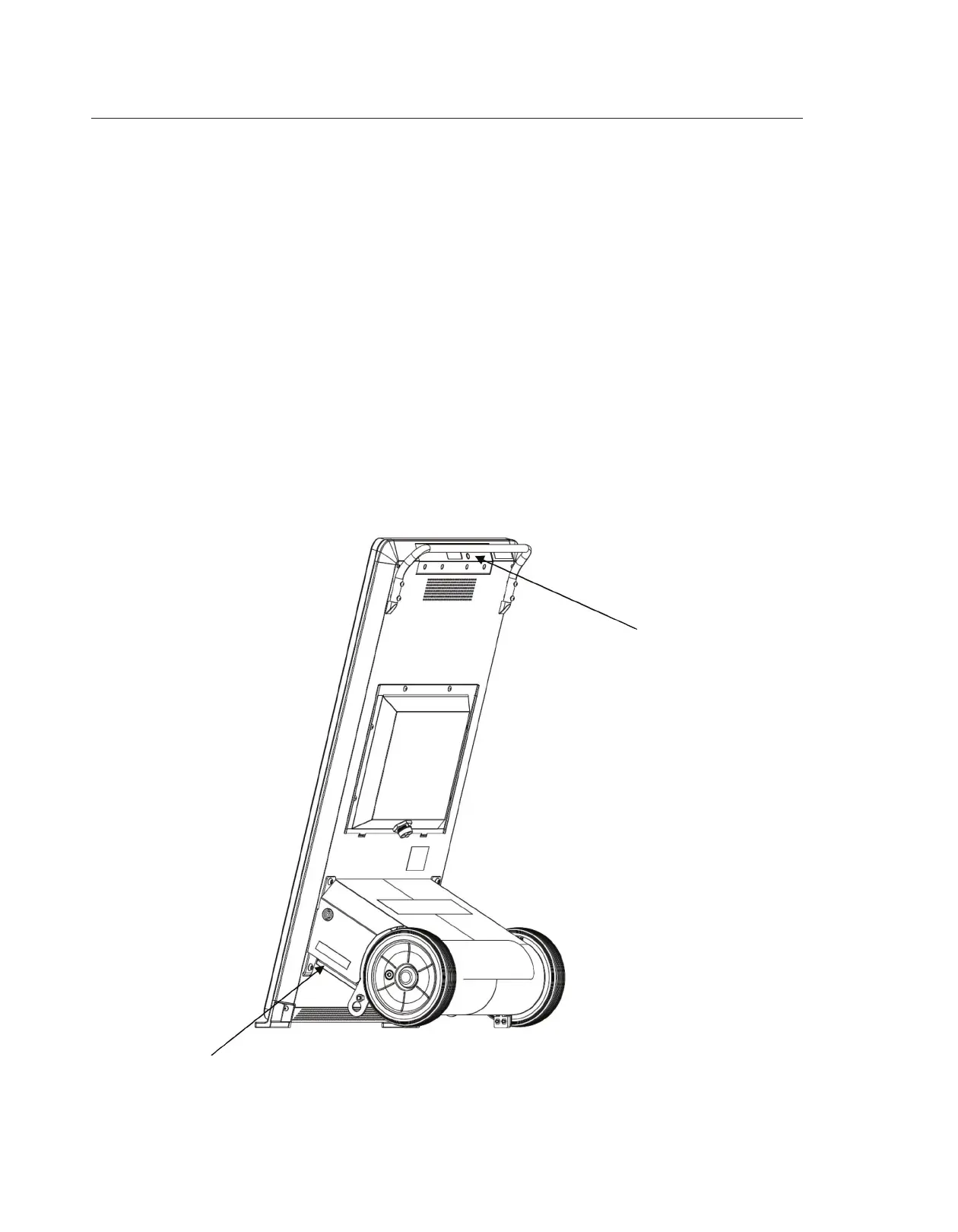
ON/OFF Button
Battery Isolation Switch
Powering and Charging the Evo
Power On
• Place the battery isolation switch to the On position(located on the side of the Battery Unit).
• Press and hold the On/O button until the button color changes from red to blue. (located on the top
of the Display Unit).
Power O
• Press and hold the power button on the Supervisor module for 2 seconds and then release.
• Press and hold the power button a second time until the button’s color changes from blue to red
and then release.
• Place the battery isolation switch in the O position while storing and/or transporting.
Charging
• The Evo can be charged if necessary while the display is on and being used.
• Charging time for full charge is 6 hours.
• Run time is 14+ hours on a full charge.



 To Next Page