Need help?
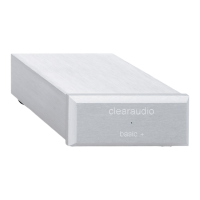
Do you have a question about the Clearaudio Balance+ and is the answer not in the manual?
Set switches on the bottom panel for MM or MC cartridge operation based on load impedance.
Configure switches for XLR (balanced) or RCA/cinch (unbalanced) interconnects.
Set switches on the bottom panel to enable or disable the subsonic filter.
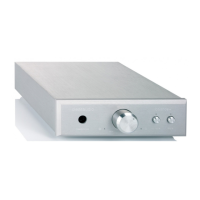
Front panel button mutes audio signal; blue light indicates activation.
Front panel button controls volume; blue light indicates volume knob is active.
Fill out and return warranty certificate/card within two weeks for full Clearaudio warranty.
Retain purchase receipt as proof of purchase and for warranty service.
 General
| Brand | Clearaudio |
|---|---|
| Model | Balance+ |
| Category | Amplifier |
| Language | English |

 To Next Page