8 Technical Support: 800.283.5936
4. Once the file has been located and highlighted, click the Update button to load the selected firmware file.
5. A warning dialog appears. Click Yes to load the selected firmware file or No to cancel.
6. A series of messages appears under the progress bar indicating the update is in progress.
WARNING: Do not unplug the CHAT 60-U while the manual update is in progress.
When the update is complete, a message will appear below the progress bar stating that the update has been
successful with the appropriate revision level information if applicable.
> NOTE: If firmware programming was interrupted, such as by a power loss or an accidental cable
disconnection, the CHAT 60-U might become unstable. In this case, refer to Interrupted Firmware
Update Recovery in Chapter 4 of this manual.
HELP
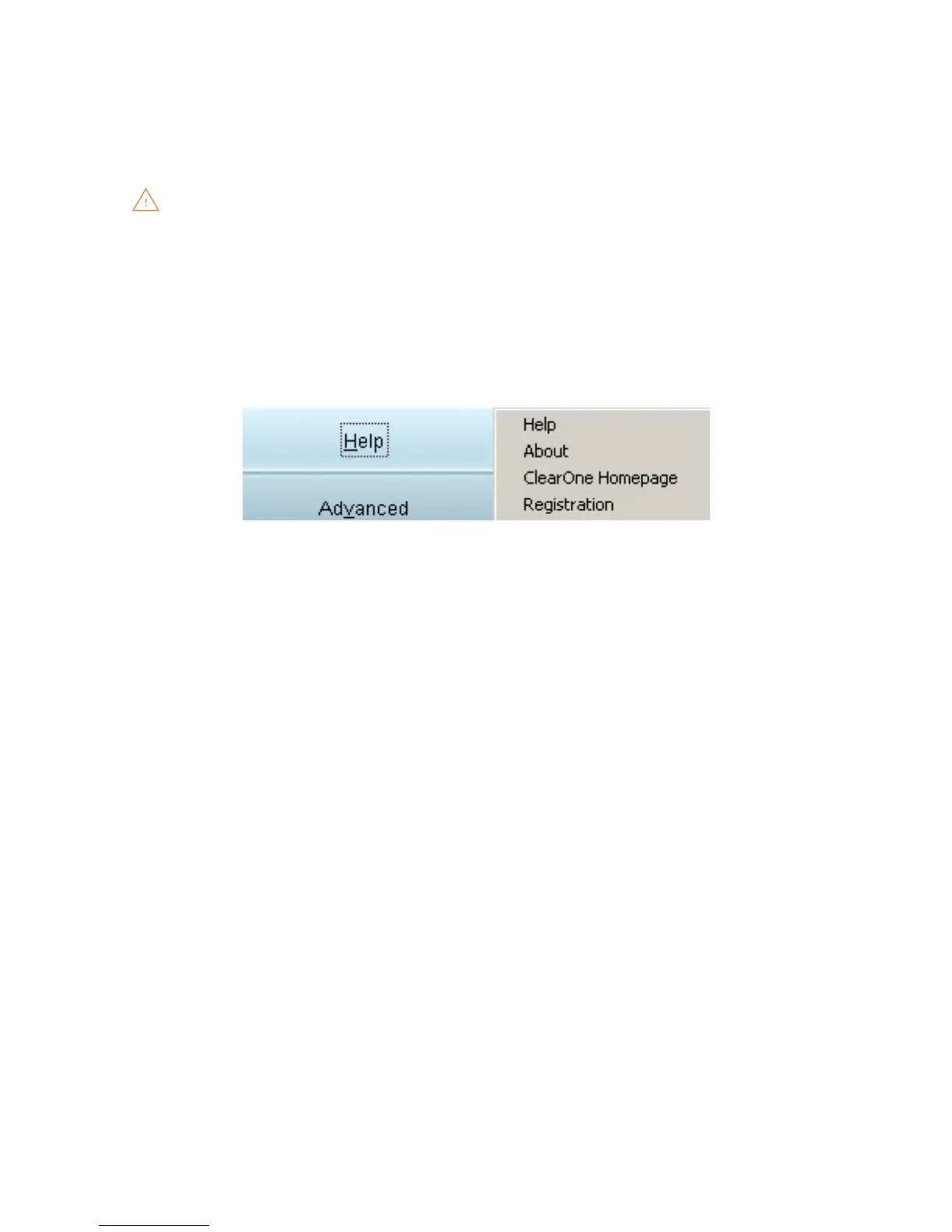
The Help button provides the following options:
Click • Help to activate the online help file.
Click • About to get information about your CHAT 60-U
Click • ClearOne Homepage
to visit the ClearOne Website using your default Web browser.
Click • Registration to register your CHAT 60-U with ClearOne using your default Web browser.
VoIPon www.voipon.co.uk sales@voipon.co.uk Tel: +44 (0)1245 808195 Fax: +44 (0)1245 808299



 To Next Page