4 Technical Support: 800.283.5936
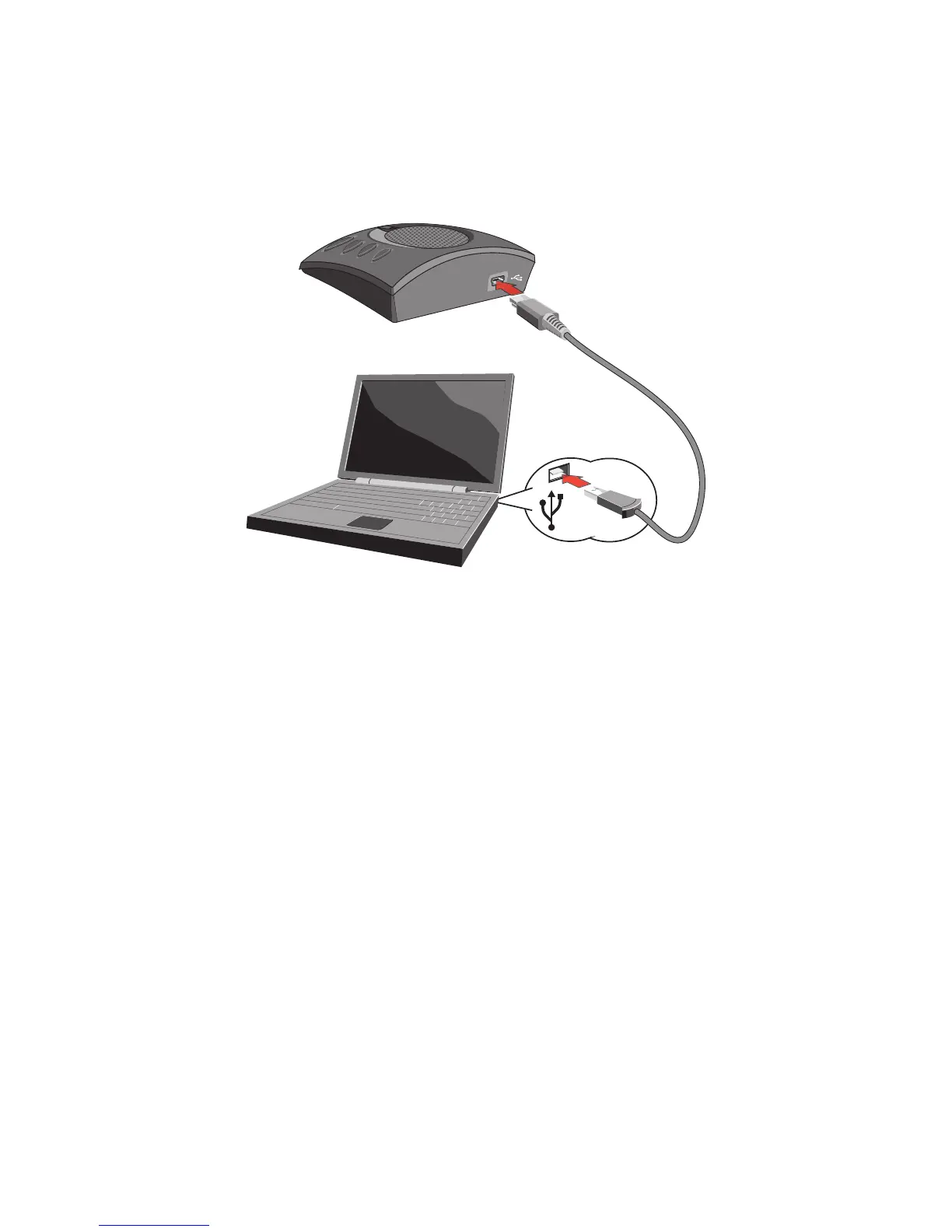
CONNECTING THE CHAT 60-U TO A PC
Using the included USB cable, connect the CHAT 60-U to your PC or laptop. The status LED on the front of the 1.
CHAT 60-U turns blue, then red, then blue again to indicate that Windows recognizes the CHAT 60-U The Windows
New Hardware Found dialog appears and Windows installs the USB 2.0 device drivers for CHAT on your system.
Follow the on-screen instructions. When the installation is complete, click the 2. Close button.
> NOTE: The CHAT 60-U derives its audio settings from the PC’s Windows sound settings or through
the 3rd-Party appplication’s settings (Skype, Yahoo, etc.) Refer to the tuning procedures in the
Using the CHAT Application section of this manual or consult the specific 3rd-Party application’s
tuning adjustments.
VoIPon www.voipon.co.uk sales@voipon.co.uk Tel: +44 (0)1245 808195 Fax: +44 (0)1245 808299



 To Next Page