System Configuration ~ Expansion Buses
46
Technical Services Group ~ 1-800-283-5936 (USA) ~ 1-801-974-3760
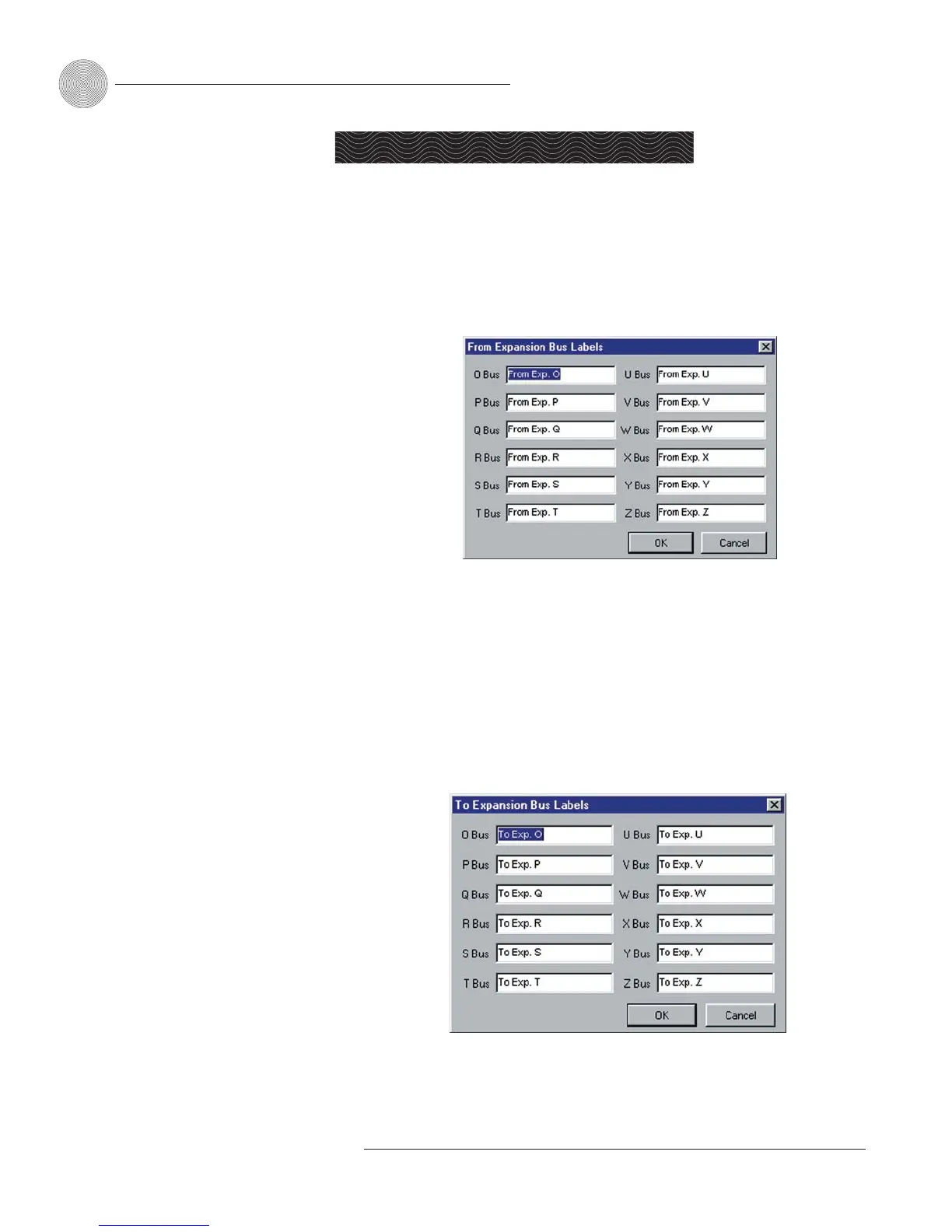
From Expansion Bus O–Z
Click the From Expansion Bus O–Z button on the Flow Screen to open the From
Expansion Bus Labels window. You can also access this window from the Matrix
Screen.
• Enter the names you want to use for each expansion bus, then click OK to
save the information and close the window.
To Expansion Bus O–Z
Click the To Expansion Bus O–Z button on the Flow Screen to open the To
Expansion Bus Labels window. You can also access this window from the Matrix
Screen.
• Enter the names you want to use for each expansion bus, then click OK to
save the information and close the window.
Expansion Buses
Figure 3.43. From Expansion Bus Labels window
Routing of audio to the
expansion buses is done
in the Matrix Screen.
See page 30. For information on
setting up an expansion bus
network, see page 11.
-
Figure 3.44. To Expansion Bus Labels window


 To Next Page