10 – ENGLISH
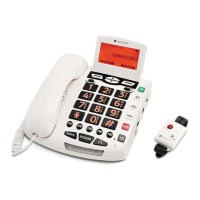
(21) Make/Answer/End a call
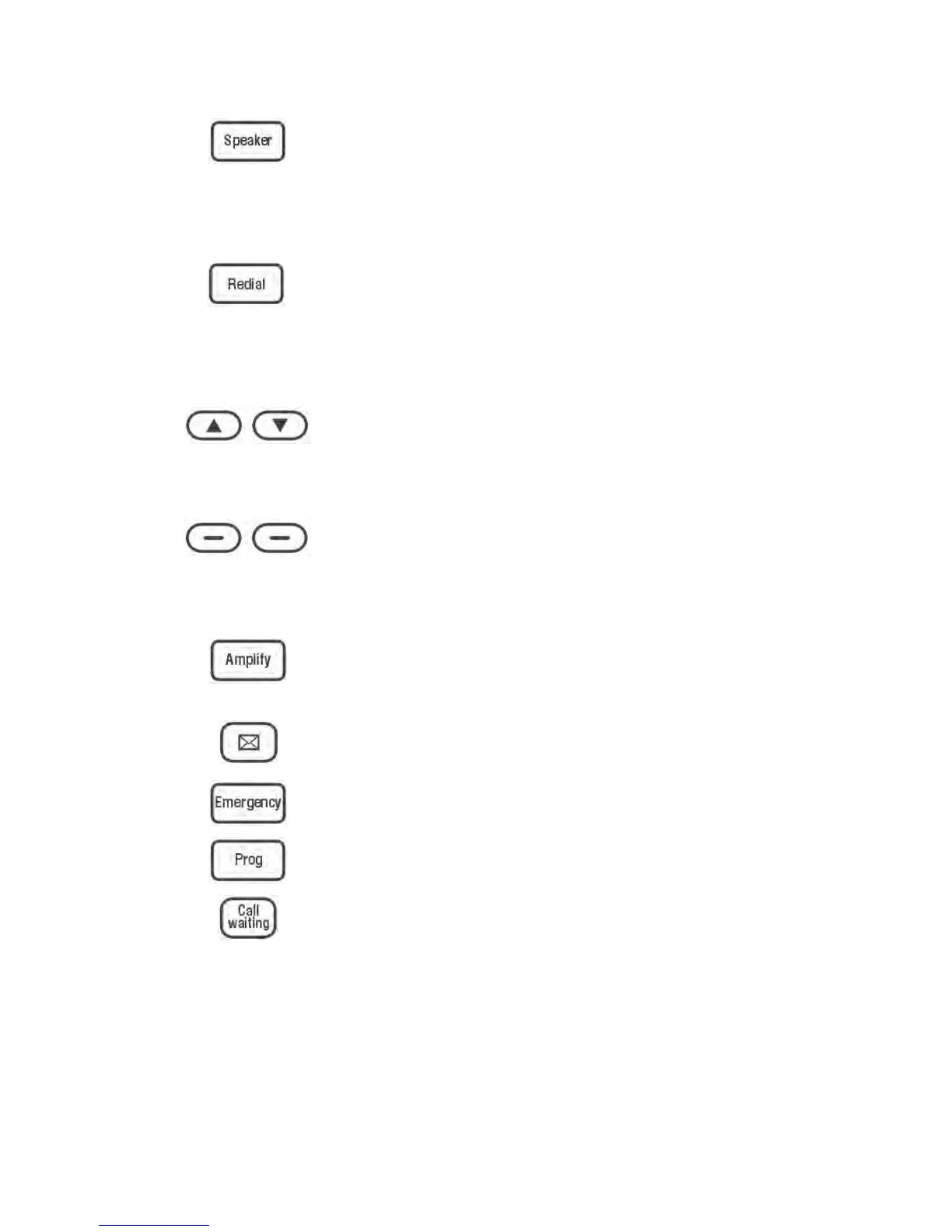
Activates the speakerphone if
pressed during a call, as
described on page 18
(22) Last number redial, as
described on page 27 or insert
a pause when pre-dialing a
number
(6) Up or Down or scroll for menu
options. Enter the CID book, as
described on page 36
Soft Keys (4 & 5) Perform the function
indicated by the text immediately over it
(on the bottom line of the display).
(23) Press to add an extra level of
amplification & tone
(14) Voice Mail phone number
(24) Emergency phone number
(25) Use to store numbers
(15) To disconnect a call and
re-establish dial tone or to
switch over to another caller if
you use call waiting
Please Note: Telephone Answering
Machine Keys Descriptions are found on
page 38.
█ KEYS DESCRIPTIONS


 To Next Page