EasyManua.ls Logo

Clenergy SPH20 - User Manual

Default Icon
26 pages
Print Icon
To Next Page IconTo Next Page
Loading...
Page 1 of 26
Clenergy SPH Installation and Operation Manual
SPH Grid PV-inverter
Installation and Operation Manual
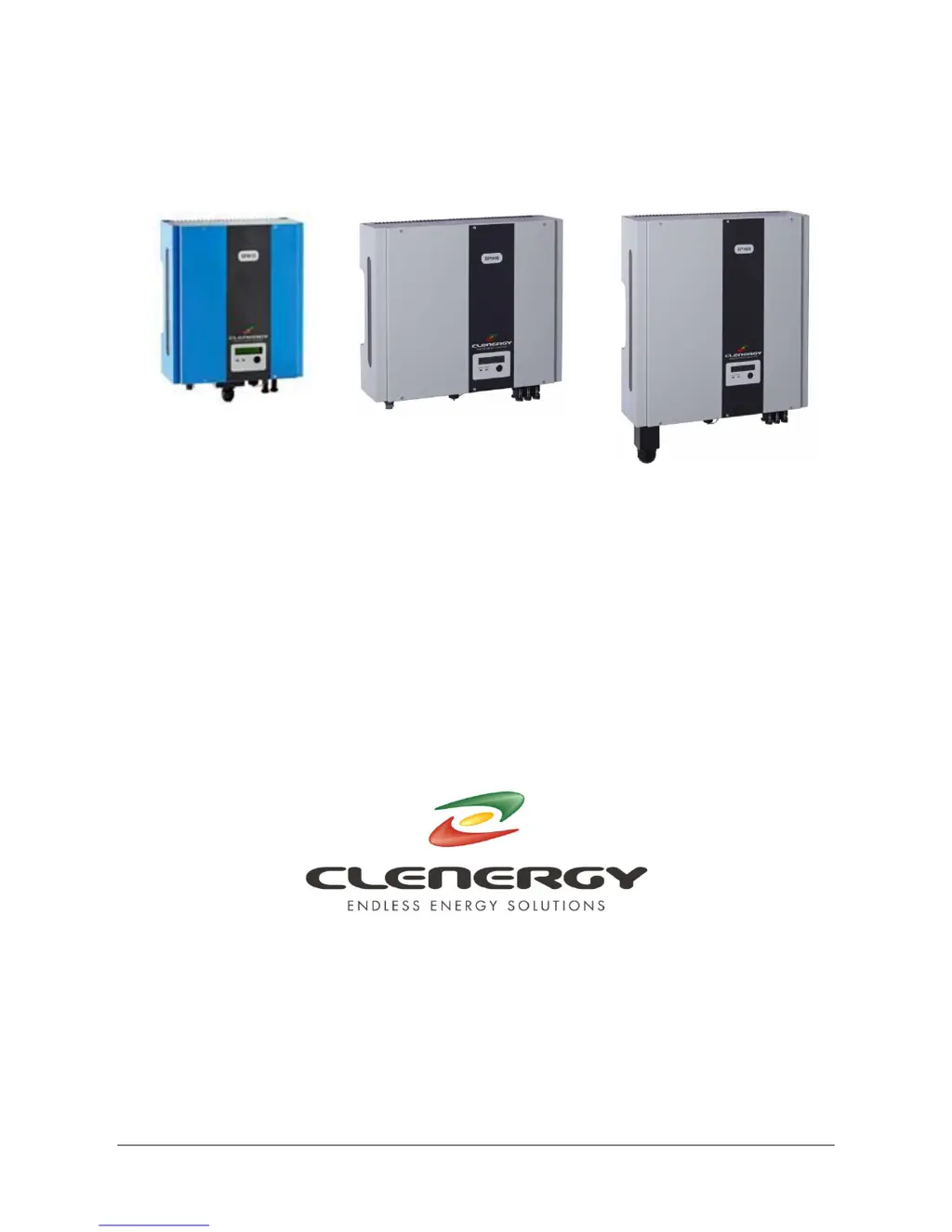
SPH MODELS
INCLUDED IN THIS MANUAL
SPH15 1500W
SPH20 2000W
SPH30 3000W
SPH40 4000W
SPH60 6000W
N305 WeiYe Building, Pioneer Park XiaMen China 361006
Tel: +86-592-5781288
Fax: +86-592-5782298
Website: www.clenergy.com.cn

Questions and Answers

Summary

Important Safety Information

Warning - Risk of Electric Shock

Crucial safety warnings related to electrical hazards and proper handling.

1. SPH inverter overview and connections

1.1. SPH15, SPH20 & SPH30

Details the front, bottom, and connection views for SPH15, SPH20, and SPH30 models.

1.2. SPH40

Details the front, bottom, and connection views for the SPH40 model.

1.3. SPH60

Details the front, bottom, and connection views for the SPH60 model.

2. PV installation system diagram

3. Installation

Step1: Mount SPH inverter to the wall or other vertical surface

Guides on selecting a mounting location and securely attaching the inverter.

Step2: Prepare the electric grid (AC utility) connection

Explains how to prepare and connect the AC power supply to the inverter.

Step 3: Connect to the PV array (DC)

Details the process of connecting the DC power from the PV array to the inverter.

Step 4: Test the installation

Outlines the procedure for testing the inverter after installation and connection.

4. Inverter status

Display information

Describes LED indicators and LCD panel for monitoring inverter status and operation.

Fault condition

Lists and explains error messages displayed during fault conditions for troubleshooting.

Typical display panel messages

Explains common messages shown on the display panel during various operating states.

5. Communication interfaces

RS232 and USB standard interfaces

Details the RS232 and USB ports for monitoring and configuration, including pin assignments.

Optional communication slot

Describes the expansion slot for optional RS485 or SNMP communication cards.

6. Troubleshooting

Visual Inspection

Guides on performing visual checks of connections and indicators for fault diagnosis.

Failure Verification

Details steps to verify inverter operation and identify specific failure modes.

7. Specification

Clenergy SPH20 Specifications

General IconGeneral
BrandClenergy
ModelSPH20
CategoryInverter
LanguageEnglish

Related product manuals