EasyManua.ls Logo

Clenergy SPH30 - User Manual

Default Icon
26 pages
Print Icon
To Next Page IconTo Next Page
Loading...
Page 1 of 26
Clenergy SPH Installation and Operation Manual
SPH Grid PV-inverter
Installation and Operation Manual
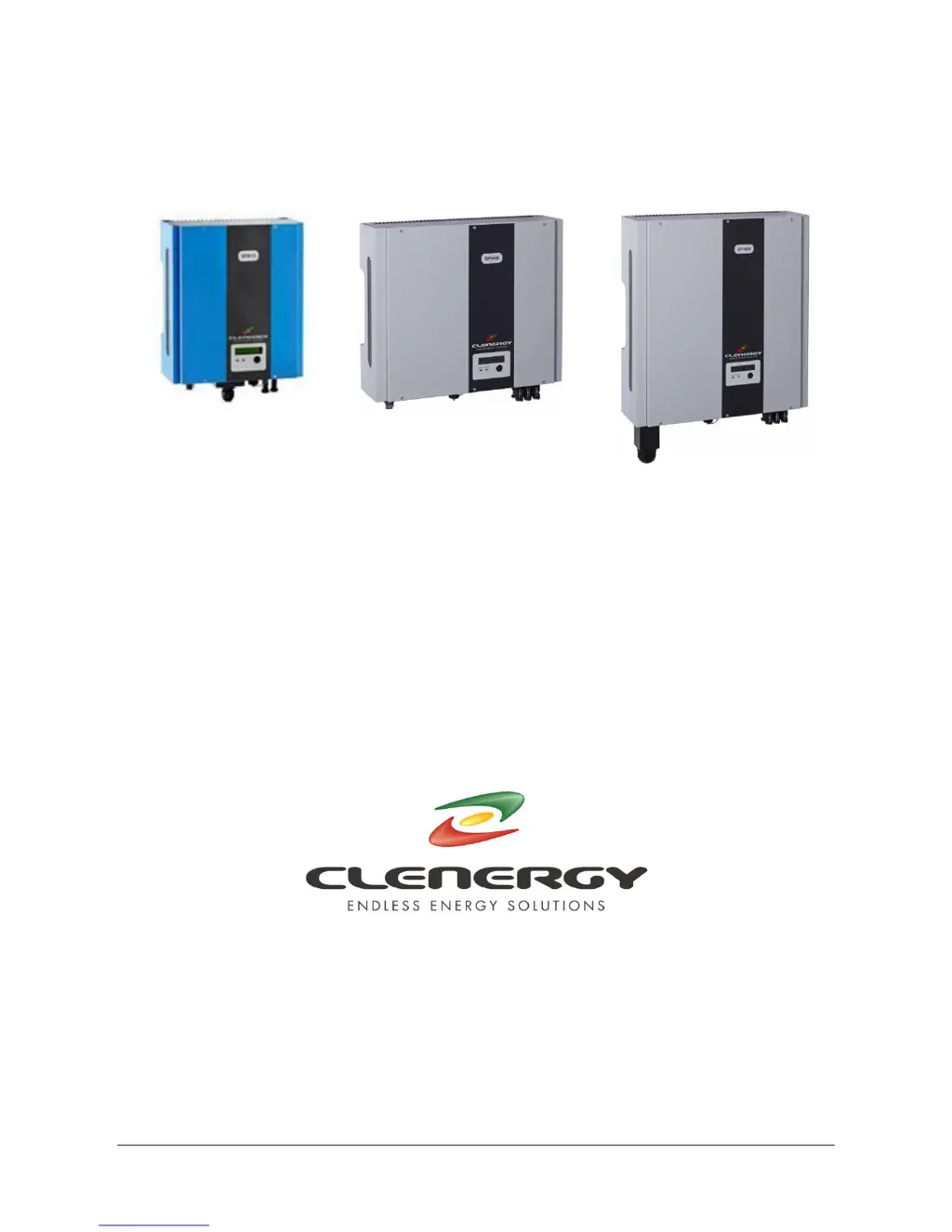
SPH MODELS
INCLUDED IN THIS MANUAL
SPH15 1500W
SPH20 2000W
SPH30 3000W
SPH40 4000W
SPH60 6000W
N305 WeiYe Building, Pioneer Park XiaMen China 361006
Tel: +86-592-5781288
Fax: +86-592-5782298
Website: www.clenergy.com.cn

Questions and Answers

Summary

Important Safety Information

Warning - Risk of Electric Shock

Crucial warnings about the dangers of electric shock and electrical hazards. Failure to comply can lead to property damage, fire, injury or death.

SPH Inverter Overview and Connections

SPH15, SPH20 & SPH30 Models

Details the front, bottom, and connection views for the SPH15, SPH20, and SPH30 inverter models.

SPH40 Model

Details the front, bottom, and connection views for the SPH40 inverter model.

SPH60 Model

Details the front, bottom, and connection views for the SPH60 inverter model.

PV Installation System Diagram

Installation Procedures

Mounting the SPH Inverter

Step-by-step guide for securely mounting the SPH inverter unit to a suitable vertical surface.

AC Utility Connection Preparation

Instructions for preparing the electric grid (AC utility) connection, including wire sizing and socket assembly.

PV Array Connection

Guidelines for safely connecting the DC power from the PV array to the inverter, including polarity and voltage checks.

Installation Testing

Procedure for testing the installed inverter, including DC and AC power application and initial operational checks.

Inverter Status and Display

Display Information and Indicators

Explanation of inverter status via LED lamps and the LCD display panel, covering normal operation and fault conditions.

Communication Interfaces

RS232 Communication

Details the RS232 interface pin functions and connection for monitoring and configuration using a DB9 socket.

Optional Communication Slot

Information on the expansion slot for optional communication cards like RS485 and SNMP.

Troubleshooting Guide

Visual Inspection Checklist

A checklist for visually inspecting the inverter, connections, and status indicators to identify potential issues.

Failure Verification Procedure

Steps to verify specific fault conditions by checking LCD messages, LED status, and inverter responses to power.

Technical Specifications

Clenergy SPH30 Specifications

General IconGeneral
BrandClenergy
ModelSPH30
CategoryInverter
LanguageEnglish

Related product manuals