EasyManua.ls Logo

Clenergy SPH30 - User Manual

Default Icon
26 pages
Print Icon
To Next Page IconTo Next Page
Loading...
Page 1 of 26
Clenergy SPH Installation and Operation Manual
SPH Grid PV-inverter
Installation and Operation Manual
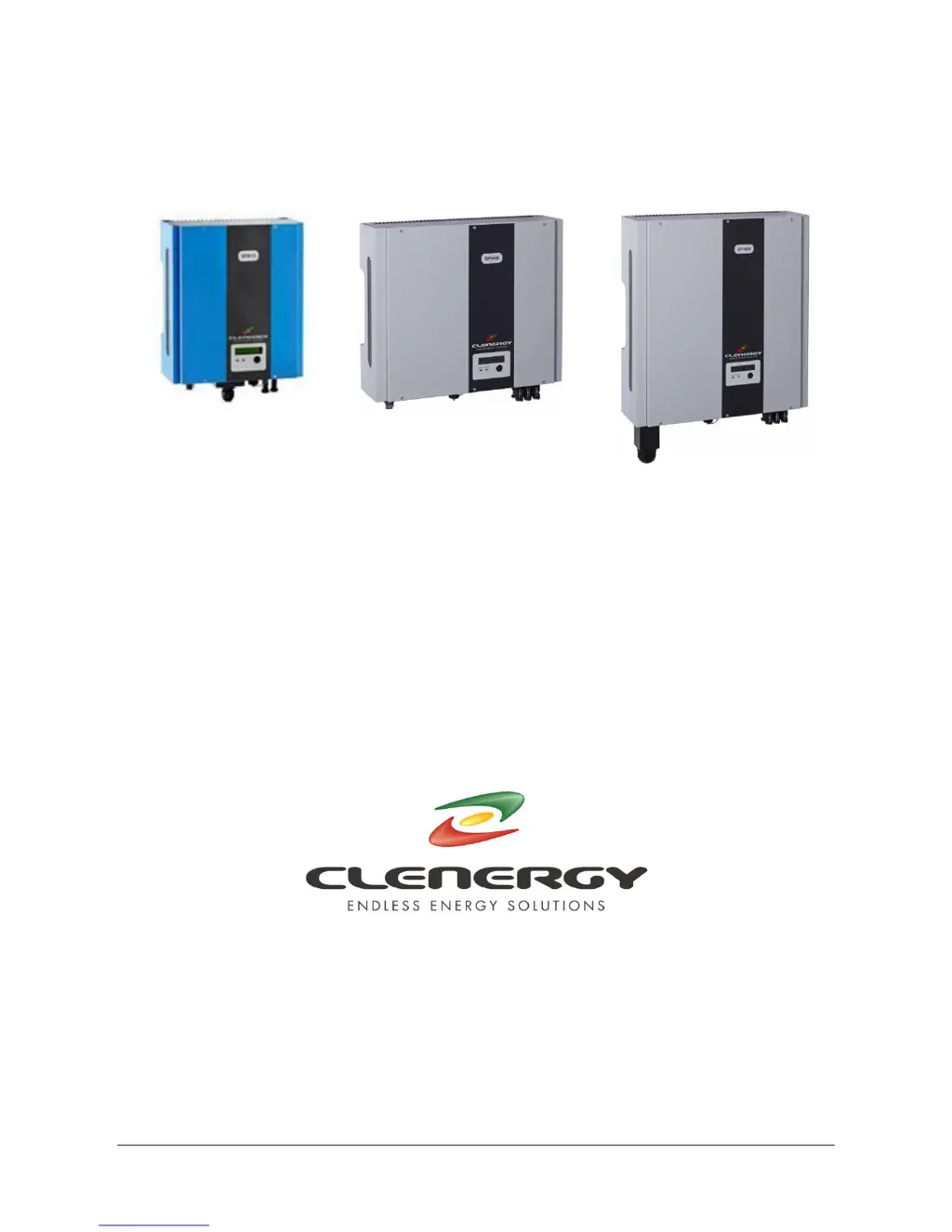
SPH MODELS
INCLUDED IN THIS MANUAL
SPH15 1500W
SPH20 2000W
SPH30 3000W
SPH40 4000W
SPH60 6000W
N305 WeiYe Building, Pioneer Park XiaMen China 361006
Tel: +86-592-5781288
Fax: +86-592-5782298
Website: www.clenergy.com.cn

Questions and Answers

  • D
    David JohnsonSep 9, 2025
    How to fix a Ground I Fault on a Clenergy SPH30 Inverter?
    • J
      Joe DavisSep 9, 2025
      A Ground I Fault on your Clenergy Inverter indicates excessive ground current. To address this: 1. Disconnect the inverter from the grid power. 2. Carefully inspect the AC wiring and connection system. 3. After resolving the cause, reconnect the inverter to the grid power and check its status. If the problem persists, the GFCI circuit may be faulty, and you should contact your inverter service representative.
  • C
    Christy ShortSep 12, 2025
    What should I do if my Clenergy SPH30 Inverter displays PV Over Voltage?
    • C
      Caleb AndersonSep 12, 2025
      If your Clenergy Inverter is showing a PV Over Voltage error, start by checking the PV open-circuit voltage, making sure it is less than 500VDC. If the PV voltage is significantly lower than 500VDC (e.g., less than 430V), measure the DC voltage using a multimeter and compare the readings with the LCD display. If the readings differ by more than 5%, contact your inverter service representative.
  • S
    Scott NicholsSep 13, 2025
    How do I troubleshoot an Isolation Fault on my Clenergy SPH30?
    • M
      Michael LewisSep 13, 2025
      To troubleshoot an Isolation Fault on your Clenergy Inverter, check the impedance between PV (+) & PV (-) and earth ground, ensuring it exceeds 8MΩ. A lower impedance may indicate a ground fault in the PV array or wiring, requiring assistance from your PV array service provider or electrician. If these steps do not resolve the issue, the isolation detection circuit might be faulty, and you should contact your inverter service representative.
  • C
    Christina GouldSep 15, 2025
    What does a Device Fault mean on my Clenergy SPH30 Inverter?
    • T
      Theresa CooperSep 15, 2025
      A Device Fault on your Clenergy Inverter typically indicates an inverter malfunction. To attempt a fix, disconnect either PV (+) or PV (-) from the input and restart the unit. If the problem persists, contact your inverter service representative.
  • D
    Douglas WatsonSep 16, 2025
    What to do if Clenergy SPH30 Inverter shows Consistent or Mismatch Fault?
    • K
      Kathryn StarkSep 17, 2025
      A Consistent or Mismatch Fault on your Clenergy Inverter suggests inconsistencies between the main (master) and redundant (slave) controllers. To resolve this, disconnect either PV (+) or PV (-) from the input and then restart the unit. If this does not correct the problem, contact your inverter service representative.

Summary

Important Safety Information

Warning - Risk of Electric Shock

Crucial warnings about the dangers of electric shock and electrical hazards. Failure to comply can lead to property damage, fire, injury or death.

SPH Inverter Overview and Connections

SPH15, SPH20 & SPH30 Models

Details the front, bottom, and connection views for the SPH15, SPH20, and SPH30 inverter models.

SPH40 Model

Details the front, bottom, and connection views for the SPH40 inverter model.

SPH60 Model

Details the front, bottom, and connection views for the SPH60 inverter model.

PV Installation System Diagram

Installation Procedures

Mounting the SPH Inverter

Step-by-step guide for securely mounting the SPH inverter unit to a suitable vertical surface.

AC Utility Connection Preparation

Instructions for preparing the electric grid (AC utility) connection, including wire sizing and socket assembly.

PV Array Connection

Guidelines for safely connecting the DC power from the PV array to the inverter, including polarity and voltage checks.

Installation Testing

Procedure for testing the installed inverter, including DC and AC power application and initial operational checks.

Inverter Status and Display

Display Information and Indicators

Explanation of inverter status via LED lamps and the LCD display panel, covering normal operation and fault conditions.

Communication Interfaces

RS232 Communication

Details the RS232 interface pin functions and connection for monitoring and configuration using a DB9 socket.

Optional Communication Slot

Information on the expansion slot for optional communication cards like RS485 and SNMP.

Troubleshooting Guide

Visual Inspection Checklist

A checklist for visually inspecting the inverter, connections, and status indicators to identify potential issues.

Failure Verification Procedure

Steps to verify specific fault conditions by checking LCD messages, LED status, and inverter responses to power.

Technical Specifications

Clenergy SPH30 Specifications

General IconGeneral
BrandClenergy
ModelSPH30
CategoryInverter
LanguageEnglish

Related product manuals