7
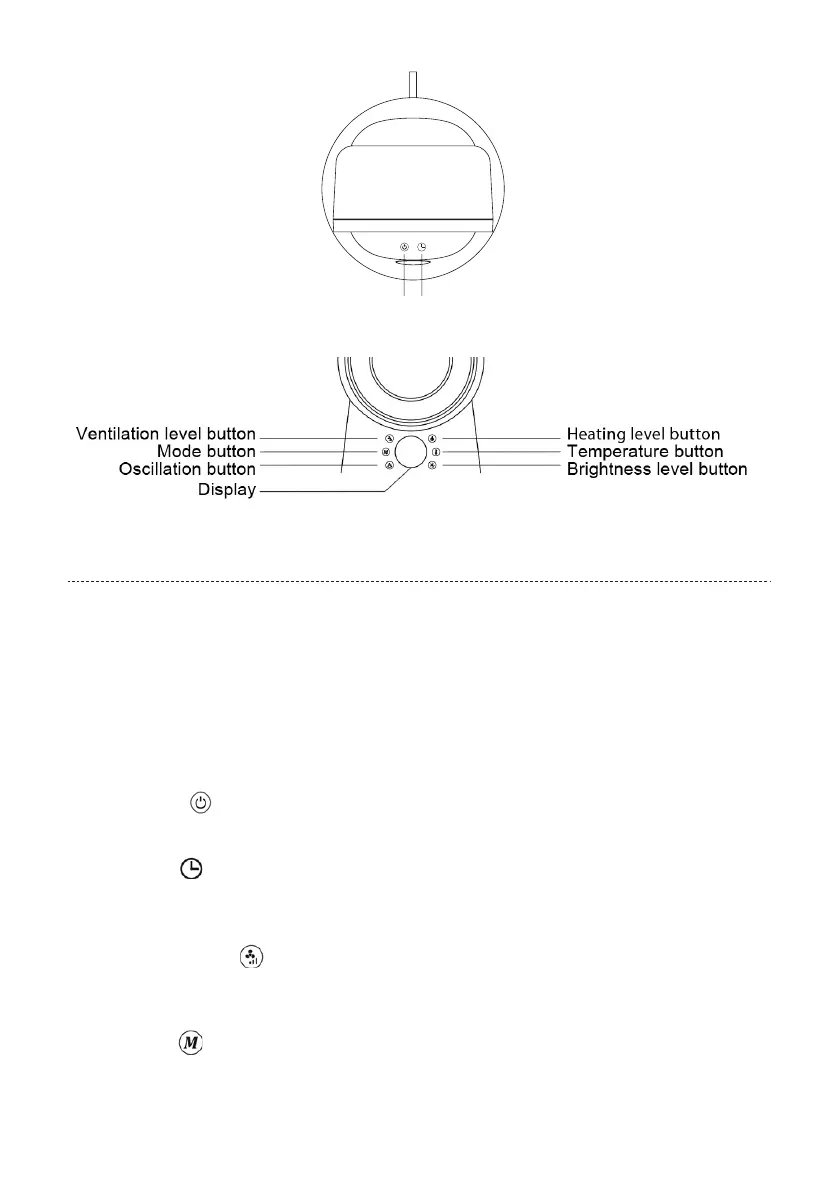
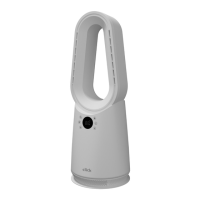
Control panel:
On/o button
Timer button
HOW TO USE
When operated for the heater first time, the unit may emit an unpleasant burning type smell. This is normal,
and will disappear after a short period of use.
1. Carefully remove the heater from the plastic bag and carton.Place the heater on a level surface in a stable
upright position.
2. Unwind the power cord and plug your Fan and Heater into a socket outlet (230-240V).. Ensure that the
voltage on the specifications plate is the same as in your home. The appliance is now supplied with
power. A short signal tone sounds.
Note: The buttons have a signal tone feedback.
3. On/O button
In the standby state, press the power button to start the fan. The default gear is 3.
Press it again to shut down.
4. Timer button
Press this key to set 1-8 hours timer-o(stand-by state).When the power supply is turned o, the former
timer setting will be canceled.
NOTE: A small dot flashes at the bottom right of the display, simulating the timer.
5. Ventilation level button
Press the button repeatedly to reach the desired ventilation level.
You can choose between 9 dierent ventilation levels.
Hot air State Press this button to switch to cool air state.
6. Mode button
To change an operating mode, press the button repeatedly until the desired mode is shown on the
display. You can choose between Strong air speed moder, Sleep Mode, Natural air speed mode and ECO
mode.


 To Next Page