-6-
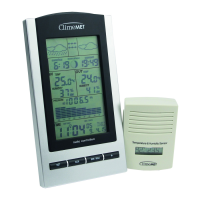
1. Weather tendency arrow 8. lndoor temperature display
2. Weather forecast icon 9. lndoor Humidity display
3. Time alarm icon 10. MIN/MAX icon
4. DCF tower icon for time reception 11. Transmitter low battery indicator
5. Time / Date 12. Outdoor temperature display
6. MIN/MAX icon 13. Number showing sensor unit
7. Receiver low battery indicator 14. Outdoor reception signal
3.2 LED backlight
The backlight is automatically switched ON when any key is pressed.
The backlight will be switched on for approximately 5 seconds before
automatically switching OFF.
3.3 Weather forecasting
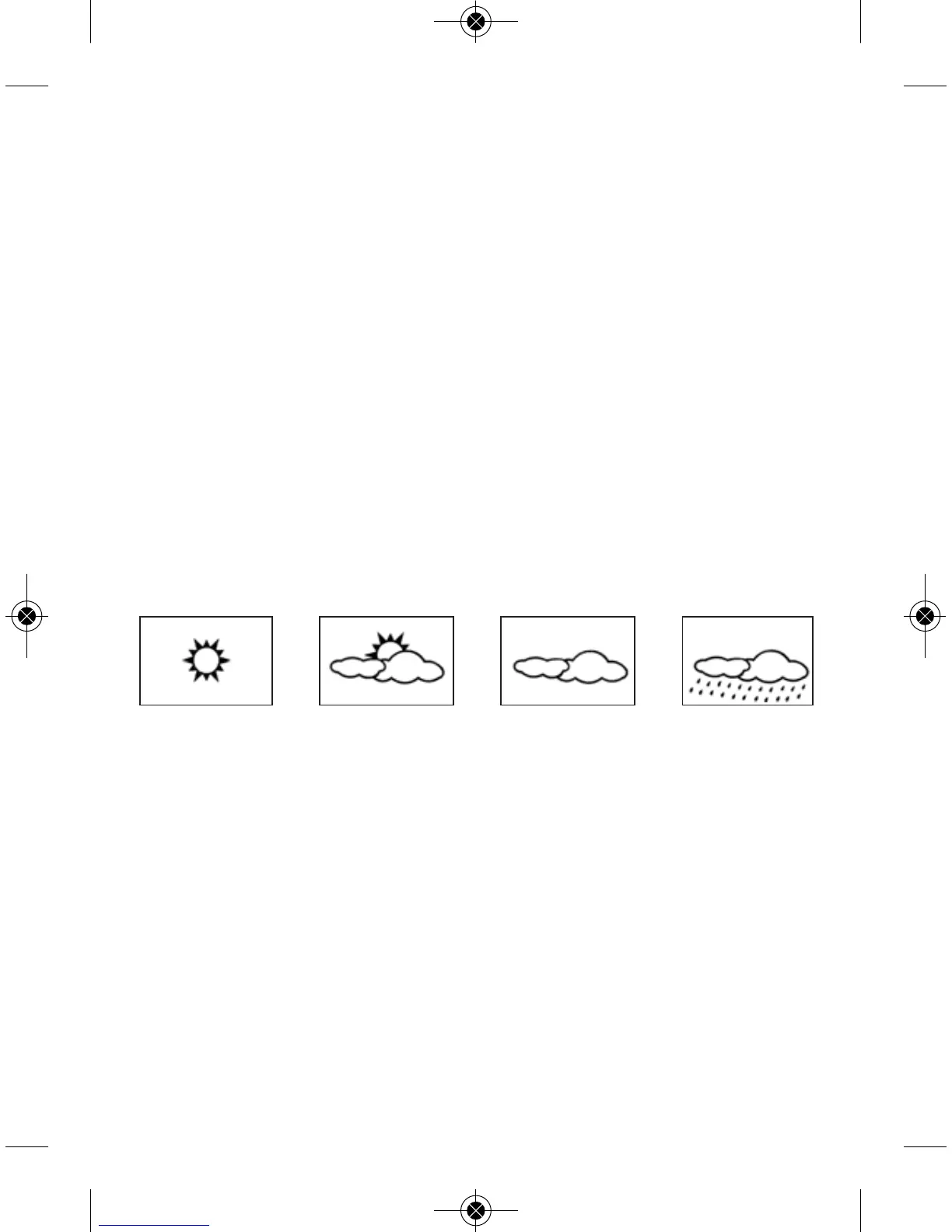
The four weather icons Sunny, Partly Cloudy, Cloudy and Rainy
represent the weather forecasting. There are also two weather tendency
indicators to show the air pressure tendency.
For every sudden or significant change in the air pressure, the weather
icons will update accordingly to represent the change in weather. If
the icons do not change, then it means either the air pressure has not
changed or the change has been too slow for the wireless weather
station to register. However, if the icon displayed is a sun or raining
cloud, there will be no change of icon if the weather gets any better
(with sunny icon) or worse (with rainy icon) since the icons are already
at their extremes. The icons displayed forecasts the weather in terms of
getting better or worse and not necessarily sunny or rainy as each icon
indicates. For example, if the current weather is cloudy and the rainy
icon is displayed, it does not mean that the product is faulty because it
is not raining. It simply means that the air pressure has dropped and the
weather is expected to get worse but not necessarily rainy.
Sunny Cloudy RainyPartly Cloudy


 To Next Page