-8-
4.1 Time Modes
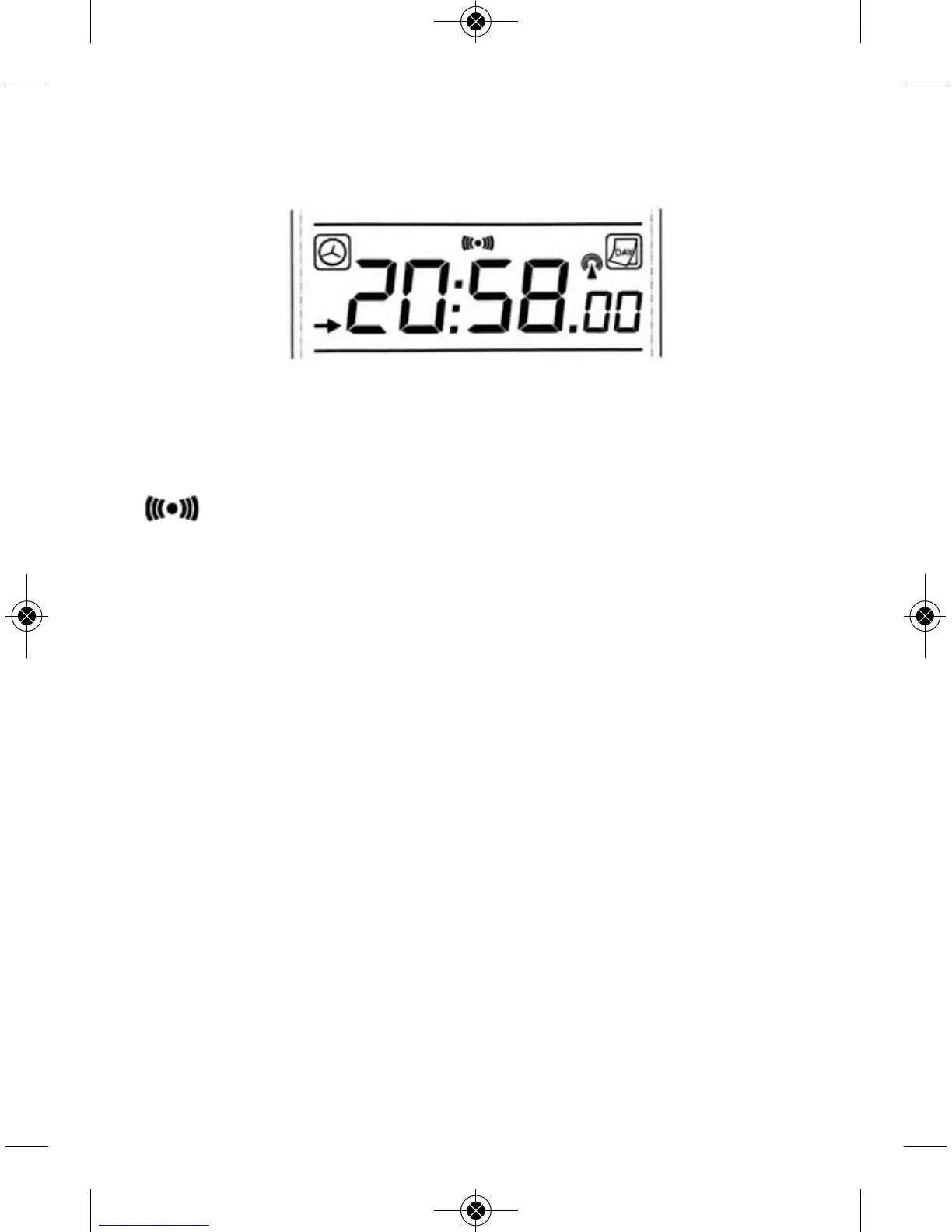
- Press the MODE key to make the arrow point to TIME display section
- Press the CH/+ key to shift the display of time, calendar(day-month-
year) and alarm time.
- Press the -/MIN/MAX key to on/off the alarm. If alarm is enabled,
will show in the TIME display section indicating the alarm
function has been enabled.
- Press the MODE/SET key for 3s to select the following setting in sequence:
• Time Zone Setting
➢ The default time zone setting value is 0 based on Germany DCF
time (GMT +1 )
➢ Time zone option +/-12 hours
➢ For countries not at the same time zone area of Germany, it is
needed to set the correct time zone so that correct time can be
displayed after radio controlled clock time is received successfully.
• 12/24 hour format
• Manual time setting (hours/minutes)
• Calendar setting(year /month /date)
• Temperature display unit degree Celsius or Fahrenheit
• Pressure threshold setting (default 3hPa)
In the above setting modes, press CH/+ key or -/min/max key change
or scrolls the value. Hold the CH/+ key or -/min/max key for 3 second
will increase/decrease digits in great steps.


 To Next Page