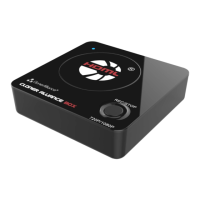
ClonerAlliance Box Pro User Manual
Mic Volume:
Set the volume of Mic.
Line in Volume: Set the volume of Line in.
Line out Volume: Set the volume of Line out.
Line out mixed: Switch on/off Line out mix function. When it’s set to “on”, line out will mix HDMI, Mic and Line in
audio; when it’s set to off, line out only outputs HDMI audio.
2.9. Audio Setting 20



 To Next Page