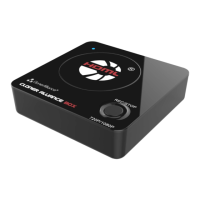
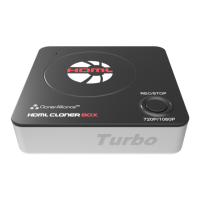
ClonerAlliance Box Pro User Manual
support will send you the code directly(in 18 hours).
For more details about registering ClonerAlliance Helper, visit here to read step by step instructions.
3.4 Connect
1. Connect your ClonerAlliance Box Pro to the power adapter and connect your HDMI source to the “IN”port.
2. Plug the power adapter into the power socket and plug the other end into the 12V/1A port of ClonerAlliance Box Pro.
3. Connect the Micro-USB to USB cable between the “To PC”port of ClonerAlliance Box Pro and the USB port of PC.
Tip: When ClonerAlliance Box Pro is connected to PC successfully, the LED light will turn off.
3.4. Connect 25



 To Next Page