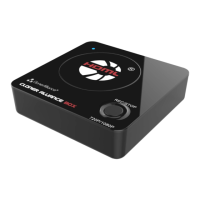
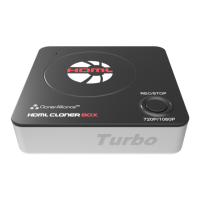
ClonerAlliance Box Pro User Manual
3. Click to stop recording. Tip: During recording, you can also click to pause
at anytime. When you want to resume, please click to continue recording. Be-
sides, you can Click to take screenshots, click to capture GIF animation.
3.5. Record/Capture 32



 To Next Page