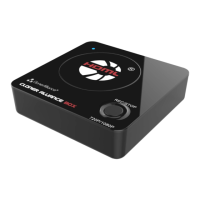
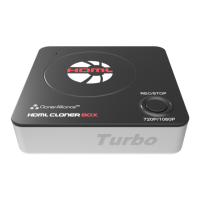
ClonerAlliance Box Pro User Manual
FYI. Here is the requirement of storage device.
At least 16GB capacity, FAT32, NTFS or exFAT file system on Windows 7 operating system or above.
Why Is There A Prompt “Can’t Detect USB Device”/”Scanning Storage Device”?
We recommend starting with a new, 16GB or more, unused USB drive that is a recognized name brand (for example, SanDisk
Toshiba or Samsung). USB Flash Drives should be FAT32, NTFS or exFAT file system.
If you are unable to use a new drive/hard drive, please reformat your drive using your computer, and make sure the formatting
is a “Full Format,”not a “Quick Format.”Then try recording again.
PS Some customers can’t format external hard drive correctly. We strongly advise you to try a USB flash drive to have a
test. If the flash drive works, contact our support to help you configure external hard drive.
If the solutions above don’t work, please don’t hesitate to send an email to support@cloner-alliance.com, we will get back
to you with a solution in 24 hours.
What is the file format of the recorded video?
MP4 (H.264 encoding) for video and AAC for audio, in either 1080p@60fps or 720p@60fps. If capturing videos to PC, there
are more resolution and audio codec options available.
45



 To Next Page
 Loading...