Home
Clover
Touch terminals
Flex
Page 21 (Verify and Initiate Refund)
Clover Flex - Verify and Initiate Refund
24 pages
Manual
Save Page as PDF
To Next Page
To Next Page
To Previous Page
To Previous Page
Loading...
SecureTablePay Clover Flex
User Guide
v1.0
Copyright © 2019
SecureTablePay.
Page
19
4.3
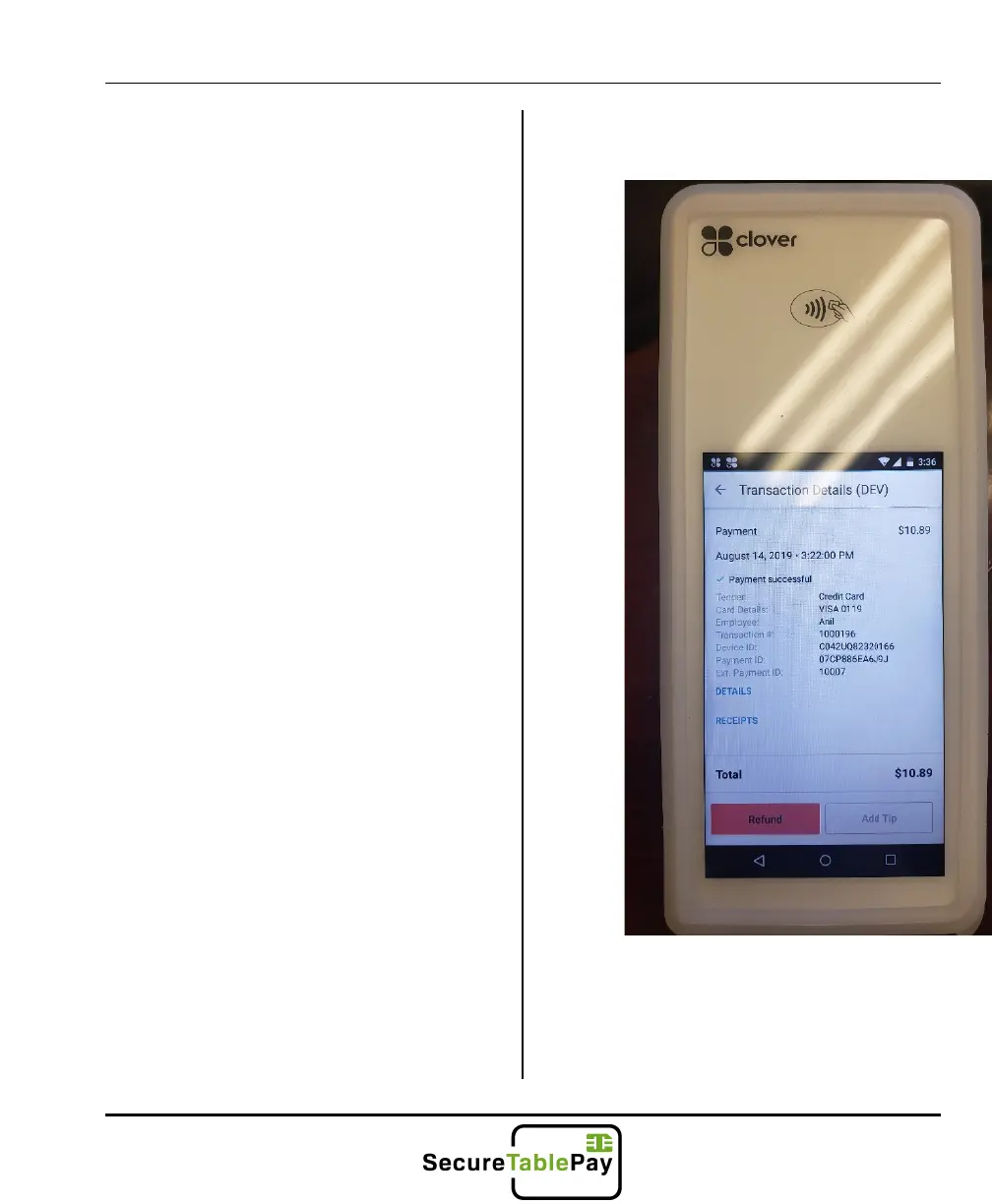
Once you find the transaction to
refund, please double check the
amount and check # (Transaction #)
before proceeding. Once a refund is
20
22
Table of Contents
Main Page
Contents
2
Logging in
3
Enter Your Clover Flex Password
3
The Basics
5
Splitting a Check
15
Refunds
19
Other manuals for Clover Flex
Manual
13 pages
Quick Start Guide
80 pages
Guide
10 pages
Related product manuals
Clover Flex 3
10 pages
Clover Mini
2 pages
Clover C505
12 pages
Clover S505
12 pages
Clover C405
10 pages
Clover C300
40 pages
Clover Mobile
9 pages
Clover Mini 3
10 pages
Clover Station
7 pages
Clover Station Pro
9 pages
Clover Station Duo
12 pages
Clover Station Solo
10 pages



 To Next Page