3 Clover Station Feature Guide English 4
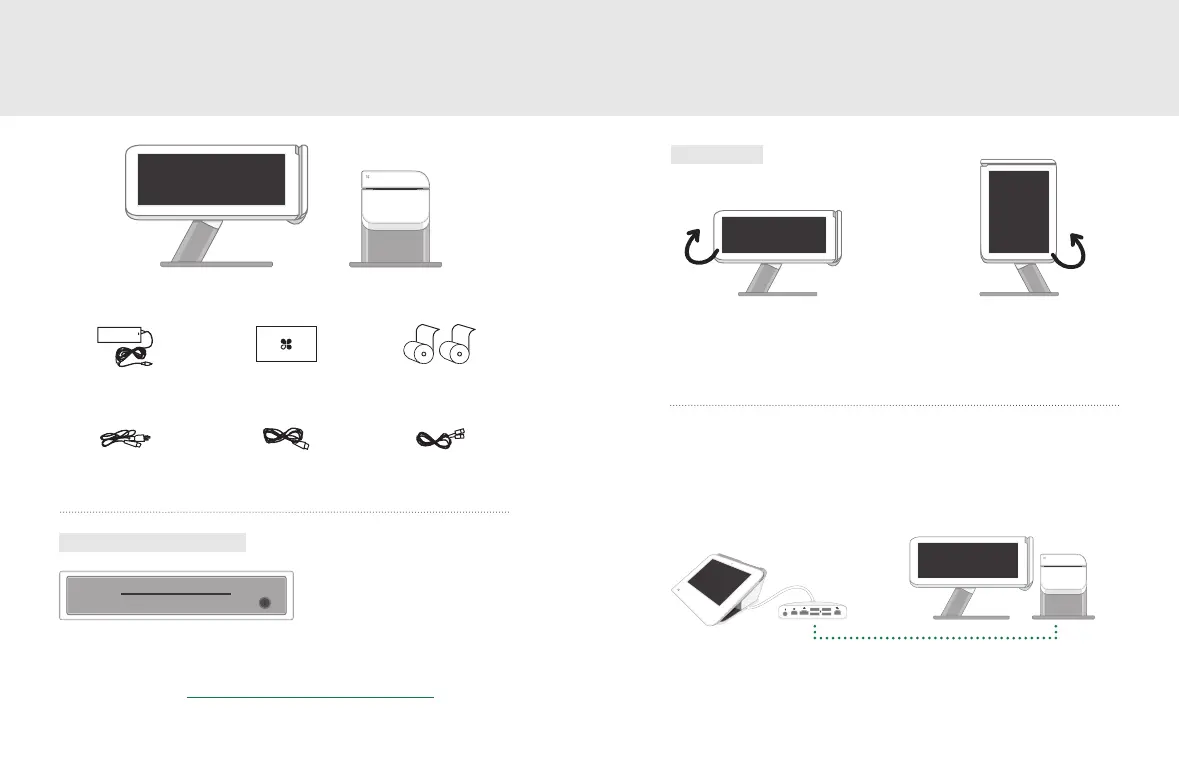
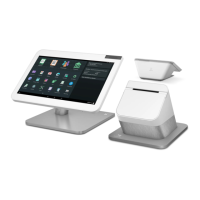
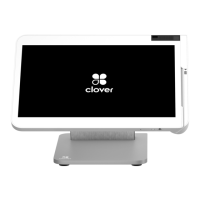
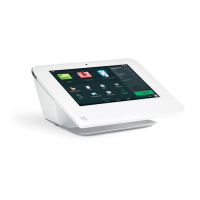
What’s included Get to know your Clover Station
Clover Station display Receipt Printer
Cash Drawer
For more details visit clover.com/setup.
Power brick
DisplayPower
(region specic)
Ethernet
Deposit bag
Optional Conguration
Clover’s hardware design adapts to your needs by oering
multiple USB ports for additional congurations.
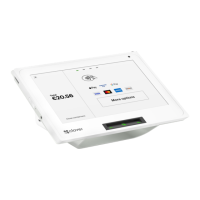
Rotate the display to switch smoothly between
merchant-facing and customer-facing mode.
Receipt paper x2
Merchant Facing Customer Facing
Views
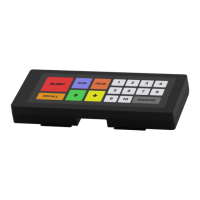
Optional Accessories
(And more: barcode scanner, label printer, kitchen printer)
See complete list: clover.com/pos-hardware/accessories
Clover Mini + Clover Station



 To Next Page