Main cleaning: Automated cleaning and thermal disinfection
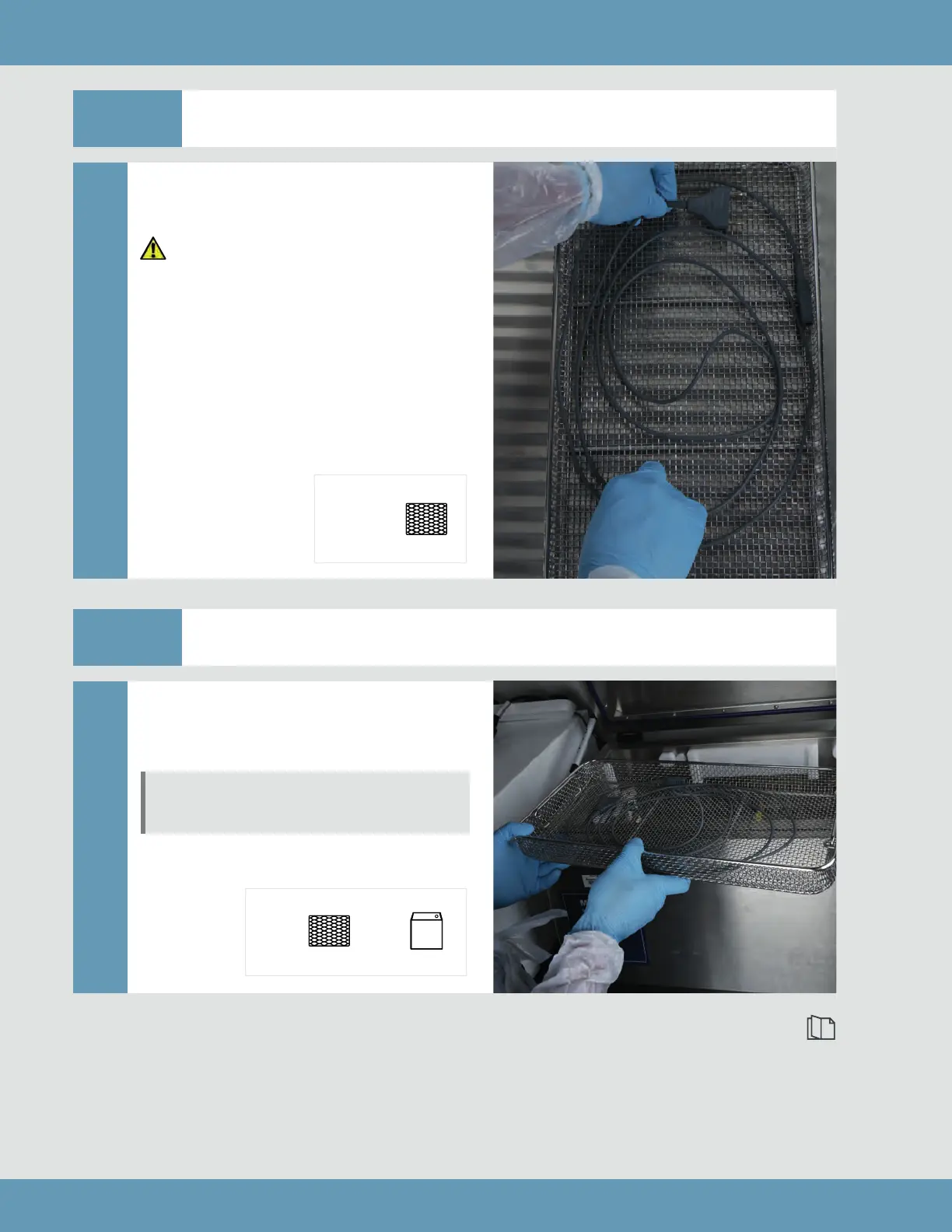
Step 1 Place cable into washer/disinfector tray
Carefully place the cable into the
washer/disinfector tray.
Check that items placed into
the washer/disinfector tray
are not touching or shadowing
each other. This could result in
ineective cleaning/disinfection
of the items.
PLACE
INTO
Step 2 Load tray into washer/disinfector
Carefully load the washer/disinfector
tray containing the cable into the
washer/disinfector.
Check that items have not moved
during loading.
LOAD INTO
Continue to Step 3 on page 49
48
Main cleaning: Automated cleaning and thermal disinfection



 To Next Page