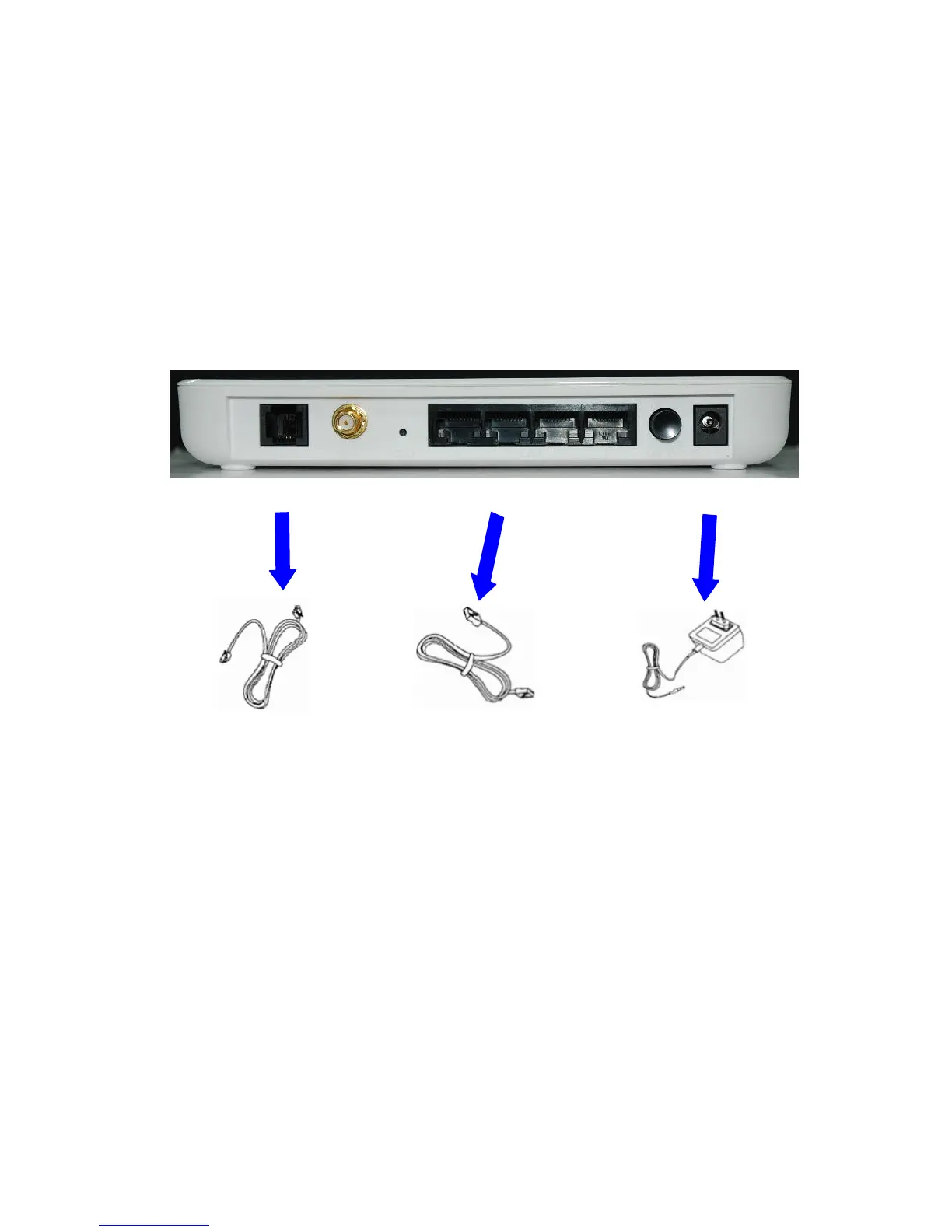
2. Hardware Installation
1. Connect the RJ-11 cable from ADSL2+ Router WAN port to DSLAM.
2. Connect the SMA from Diople Antenna.
3. Connect the RJ-45 cable from your PC to ADSL2+ Router LAN1-4 port.
4. Connect the power adapter from power jack to power outlet.
5. Push the power switch in “on” mode.
WAN Antenna Reset LAN 1-4 Power Switch Power Jack
connector
RJ-11 phone cable RJ-45 Ethernet cable power adapter



 To Next Page