Mounting Options
A universal 'sticky' mount is included with the Accessport. For the best results, we recommend installing the mount vertically, and preparing
the mounting surface with the included alcohol wipe.
NOTE: It's important to note that not all surfaces provide a strong adhesive bond.
NOTE: The Accessport cradle is compatible with "Dual T" style mounts.
Pre-Installation
The Accessport comes with the most up-to-date software and map files available at the time of shipment. However, it is possible that updated
software and/or map files have been made available since the time of shipment. Therefore, the recommended procedure is to connect the
Accessport to the AP Manager software and download the latest firmware for the target vehicle. Please visit www.cobbtuning.com/apmanager
to download AP Manager and to find a link for the AP Manager manual.
If you have issues transferring maps or updating the Accessport while using USB 3.0 ports, please try using a USB 2.0 hub adapter.
NOTE: The Accessport is preloaded with a default set of maps for all cars that it supports. This includes Stage1 (all octanes), Stage2
(all octanes), Anti-theft, Economy, and Valet. If you would like to view all maps available you can visit the section of ourMaps
website.
IMPORTANT!
For installation purposes, it is important to ensure that the vehicle's battery has adequate power for both the Accessport and the ECU.
Because of this, it is recommended that all in-car electronics and vehicle lights are turned off during the installation process to reduce drain
on the vehicle's battery. For improved safety during installation, a car battery charger can be connected to the vehicle during the installation
process.
Screen Capture
Screenshots can be captured by holding down the button for two seconds. Any stored screen captures can be retrieved by using [CANCEL]
Accessport Manager.
Getting Started
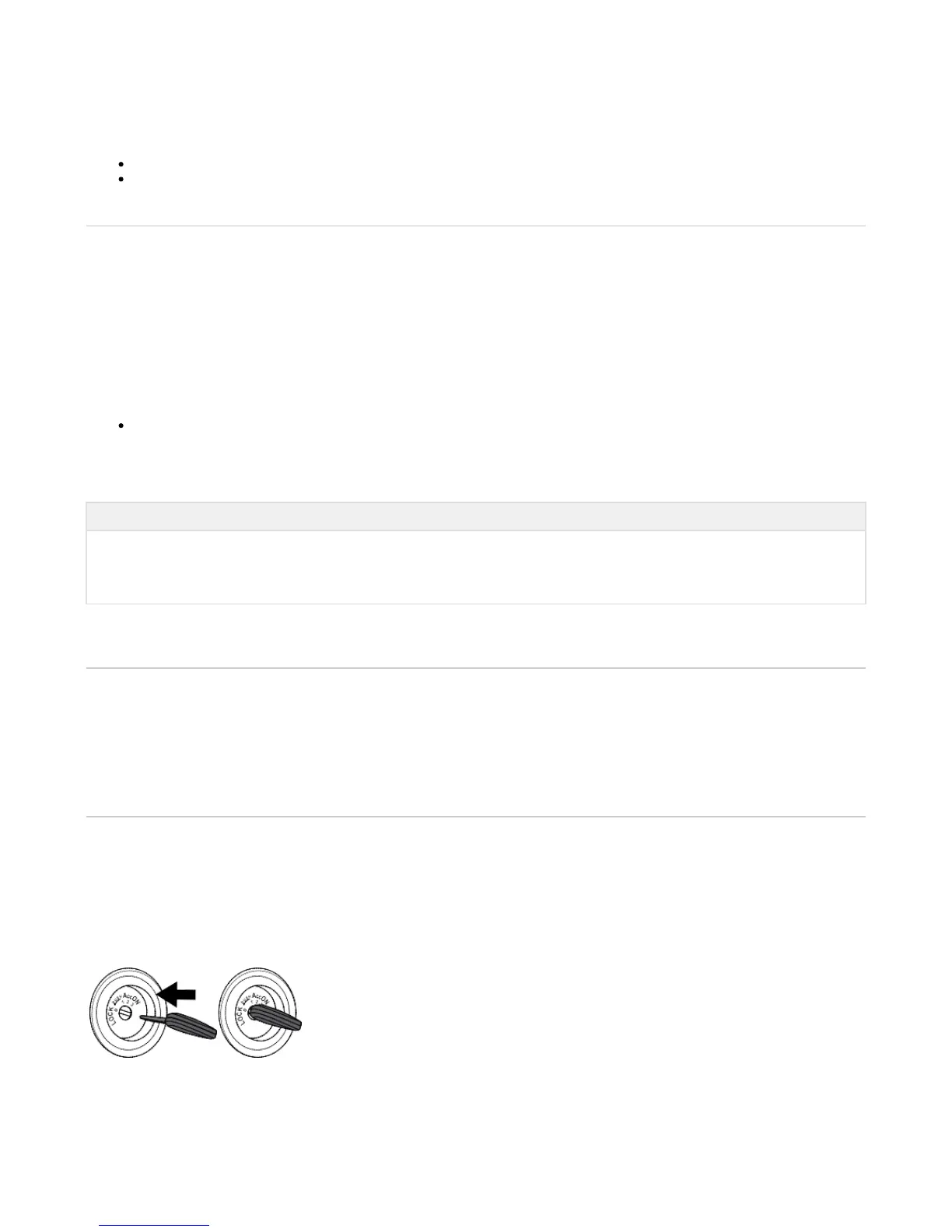
1. You will need the Accessport and OBD-II cable to perform the installation. Insert the key into the vehicle's ignition and leave it in the OFF
position.
2. For Subaru models utilizing an AP3-SUB-001 or AP3-SUB-002 (Not required for AP3-SUB-003) Accessport, locate the Locate the green
Test Mode connectors.


 To Next Page