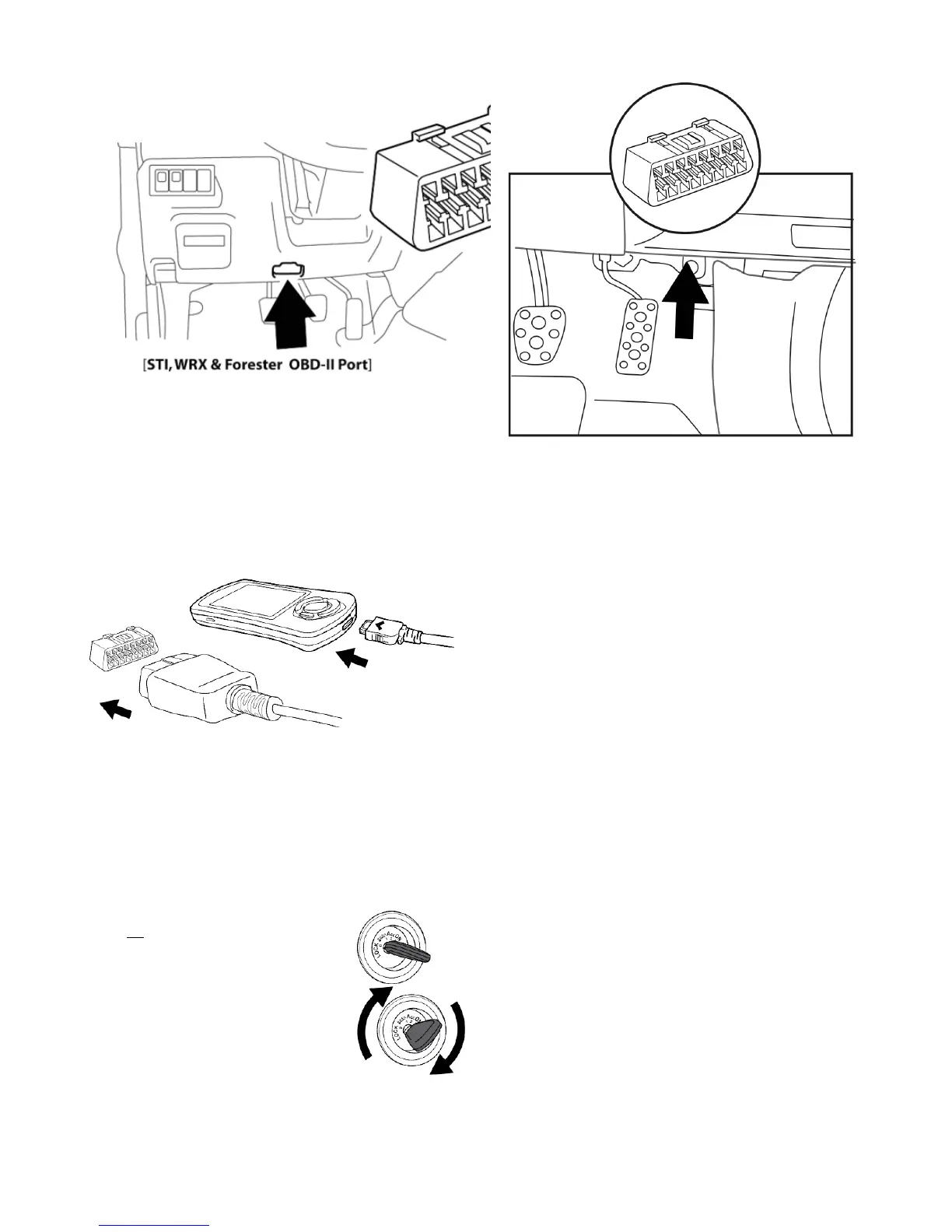
[ADM WRX, STI OBD-II Port]
5. Plug the OBD-II cable into the OBD-II port under the dash of vehicle. Then connect the small end of the OBD-II cable to the port on the
bottom of the Accessport.
6. Make sure the clasp on the OBD-II cable firmly engages with the port.
7. Turn the key to the ON position but do not start the vehicle.
NOTE: The engine
should be running.not
8. Select from the Accessport menu by pressing the button to proceed with installation.[Install] [OK]



 To Next Page