Operation
9
Activating a call
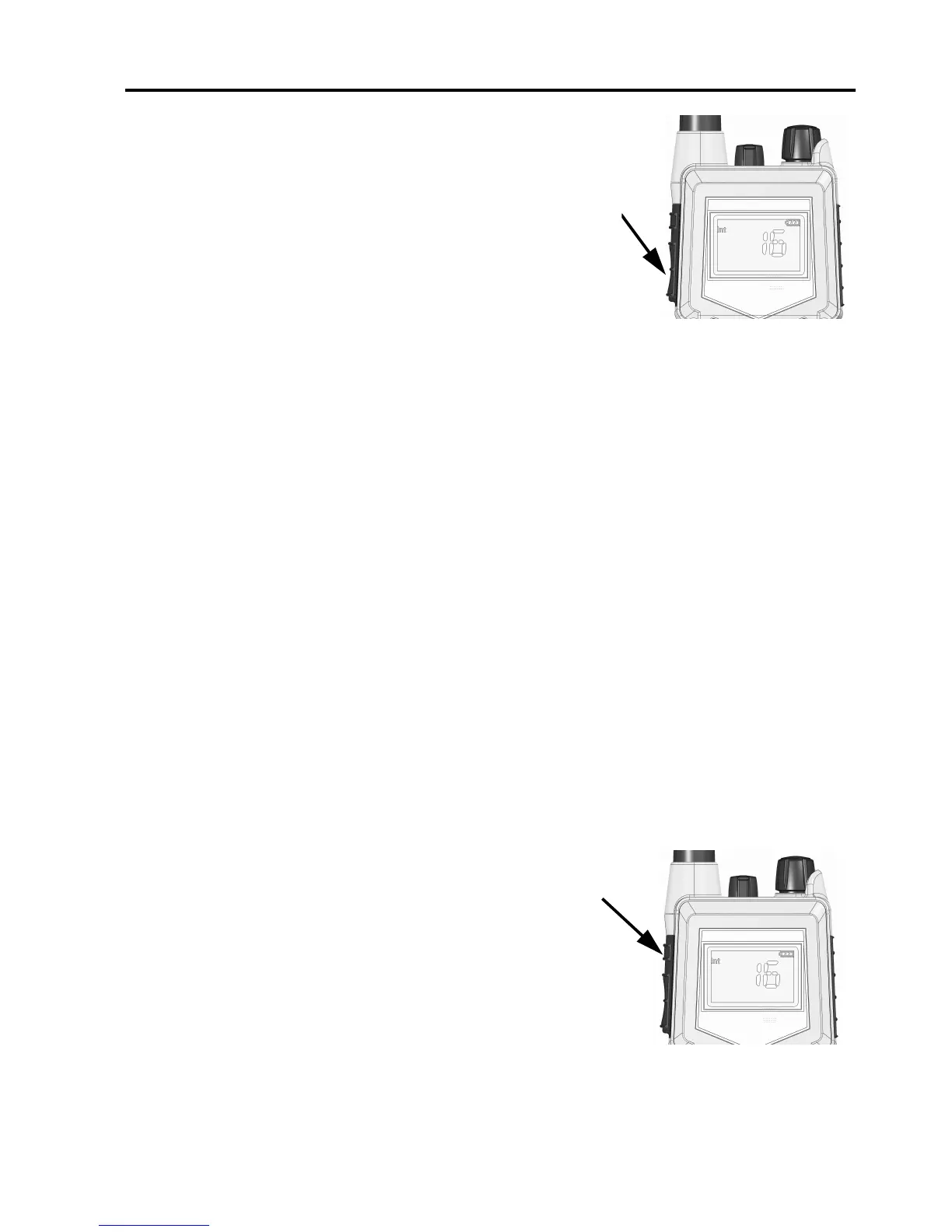
To activate a call to the selected channel, press and
hold the PTT button on the side of the radio.
The radio transmits as long as the PTT button is
pressed. A small Tx sign next to the channel num-
ber indicates when the radio is in transmit mode.
Adjusting the volume
• To increase the volume, turn the on/off knob at the top of the radio
clockwise.
• To decrease the volume, turn the knob counter-clockwise.
The display shows the level of the volume, e.g. “VOL 5”, while it is
adjusted.
Using Squelch control
• To activate Squelch control, press the SQ key.
• To set the Squelch level, press (closing) or (opening). The
display shows the Squelch level while it is adjusted, e.g. “SQ 5”.
Adjusting the display backlight
• To turn on the backlight, press the
Light/Lock button on the side of the radio.
• To adjust the backlight level, press or
within 3 seconds after turning on the light.
The display shows the level while it is
adjusted, e.g. “DIM MED”.
0845


 To Next Page