Listening for a Response
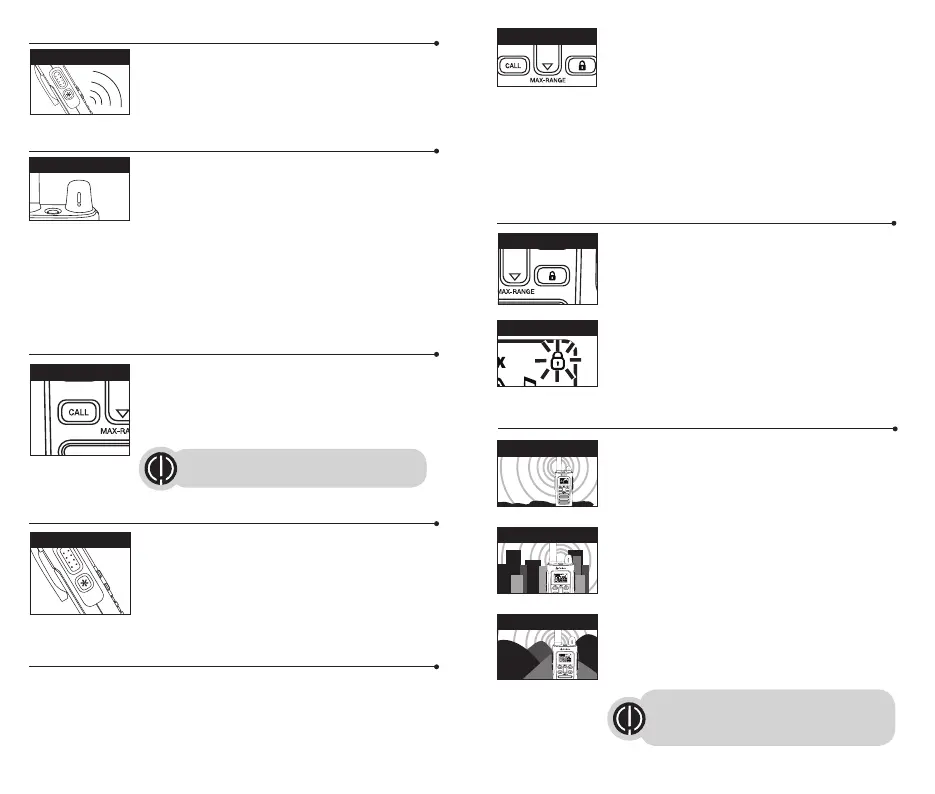
Release the Talk button to receive incoming
transmissions. Your microTALK
®
radio is always in
Standby mode while the Talk, Call or emergency
buttons are not pressed.
To Adjust Volume
Press and hold the MAX-RANGE button for three seconds
to turn off the auto squelch. Adjust the Volume knob until
you reach a comfortable listening level.
1. Rotate Volume Knob clockwise to increase the
volume.
2. Rotate Volume Knob counterclockwise to decrease the volume.
3.
Press and hold the MAX-RANGE button again to re-enable the auto squelch.
Do not hold the radio close to your ear. If the volume is set to an uncomfortable
level, it could hurt your ear.
Call Button
Press and release the Call button to alert others that you
are calling.
The other person will hear a two second call tone which
is also heard on the radio that is transmitting. This tone is
used only to establish voice communications.
LED/S.O.S. Flashlight
Press and release the LED/S.O.S Flashlight button below
the Talk button to use the LED flashlight located at the
bottom of the radio.
To activate S.O.S. function, press and hold the LED/S.O.S
Flashlight button to turn on. Press and release to turn off
the flashlight or S.O.S. function.
Auto Squelch/Maximum Range
Your microTALK
®
radio will automatically shut off weak transmissions and
unwanted noise due to terrain, conditions or if you’ve reached your Maximum
Range limit.
You can turn off auto squelch (or turn on maximum range extender), allowing
all signals to be received and extending the maximum range of your radio.
To turn maximum range extender on (Turn off auto
squelch):
– Press and hold the MAX-RANGE button for at least
three seconds until you hear audio which indicates the
maximum range extender is on.
To turn maximum range extender off (Turn on auto
squelch):
– Press and hold the MAX-RANGE button.
Lock Function
The Lock function locks the Up, Down, Memory and
Mode buttons to prevent accidental operation.
To turn the lock on or off:
– Press and hold the Lock button for three seconds.
A single beep sound is used to confirm your lock on or off
request. When in Lock mode, the Lock icon will be
displayed.
microTALK
®
Range
Your range will vary depending on terrain and conditions.
Maximum range is line of site, from mountain / hilltop to
mountain/ hilltop. Flat open terrain will only give you 1 to
4.8 kilometers due to terrain and the curvature of the Earth.
Buildings and foliage in the path of the signal can reduce
the range of the radio.
Dense foliage and hilly terrain will further reduce the
range of the radio.
6 7
See page 12 on how to select between
ten call tone settings.
Remember, you can achieve maximum
range by using maximum range extender.
See page 6 for details.
Listening
Lock Icon
Maximum Range
Reduced Range
Reduced Range
Call Button
MAX-RANGE Button
LED/S.O.S. Flashlight
Volume Knob
Lock Button




 To Next Page