EasyManua.ls Logo

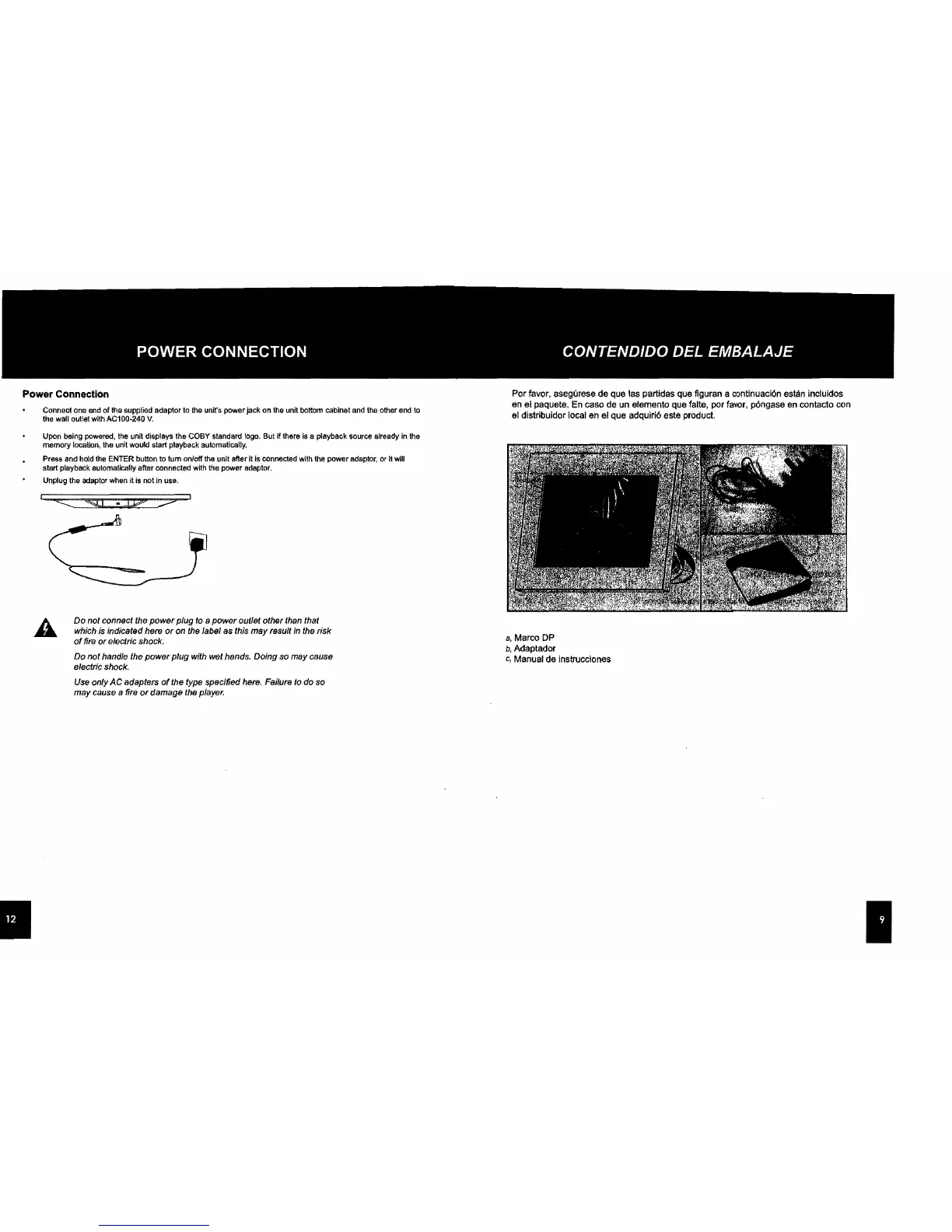
Coby DP700 - Power Connection; Connecting the Power Adapter

Coby DP700
30 pages
Print Icon
To Next Page IconTo Next Page
To Previous Page IconTo Previous Page
Loading...
Power
Connection
Connect
One
end
of the supplied adaptor to the unit's power
jacl<
on
the
unil IIollom cabinet
and
lhe other
end
10
Ihe
wall
oullet with
AC1
00·240
V.
Upon being
powered,
the
unit displays
the
COBY
standard
logo.
But
ff
there
Is
a playback
sourea
already
in
the
memory
location,
the
unit
would start playback automatically.
Press
and
hold
the
ENTER
bullon to tum onloff
the
unit aftar it
Is
connected
with
the
power
adaptor,
or It
will
start playback automatically aftar connected
with
the
power
adaptor.
Unplug
the
adaptor
when
it
is
not in USB.
~-"""41
IP"
n:;;;;;--
~
A.
Do
not connect the
power
plug to a
power
outlet other than that
which is Indicated hero
or
on
the label
as
this
may
result
In
the risk
of
firo or electric shock.
Do
not
handle the
power
plug
with wet hands. Doing
so
may
cause
electric shock.
Use only
AC
adapters
of
the type specified here. Failure /0 do so
may cause
a fire
or
damage the player.
Por favor, asegurese
de
que las partidas
que
figuran a contlnuacl6n eslan incluldos
en el paquete.
En
caso
de
un
elemento
que
falte,
por
favor,
p6ngase
en
contacto con
al dlstribuidor
local
en
al qua adquiri6
este
product.
a,
Marco
DP
b,
Adaptador
c,
Manual
de
instrucciones

Related product manuals