Page 11 Getting To Know The Internet Tablet
English
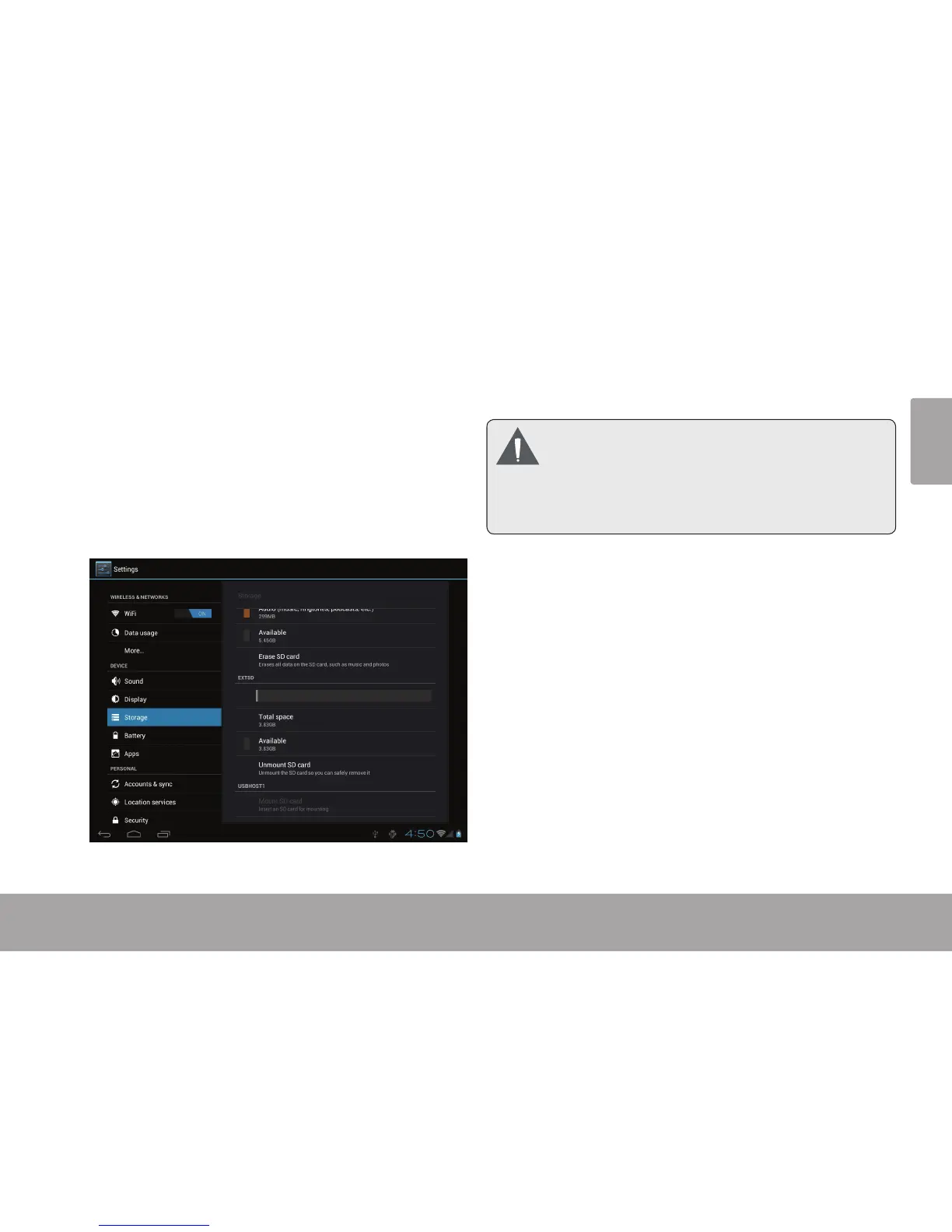
To release and remove a memory card:
1. UNMOUNT the memory card.
a. From the home screen, tap the Launcher Tab,
and then touch Settings to show the settings
menu.
b. Touch Storage to show the storage settings.
c. Touch Unmount SD card to prepare the memory
card for safe removal.
2. Push the card further into the slot until you hear a
click. The card will spring out of the slot.
3. Grasp the card by its edge to remove it.
To avoid damage and data corruption, do not
remove a memory card while data is being
writtentoorreadfromthecard.Forexample,
donotremoveacardwhileplayingamusicle
storedonthecard.



 To Next Page