Page 5 Getting To Know The Internet Tablet
English
Â
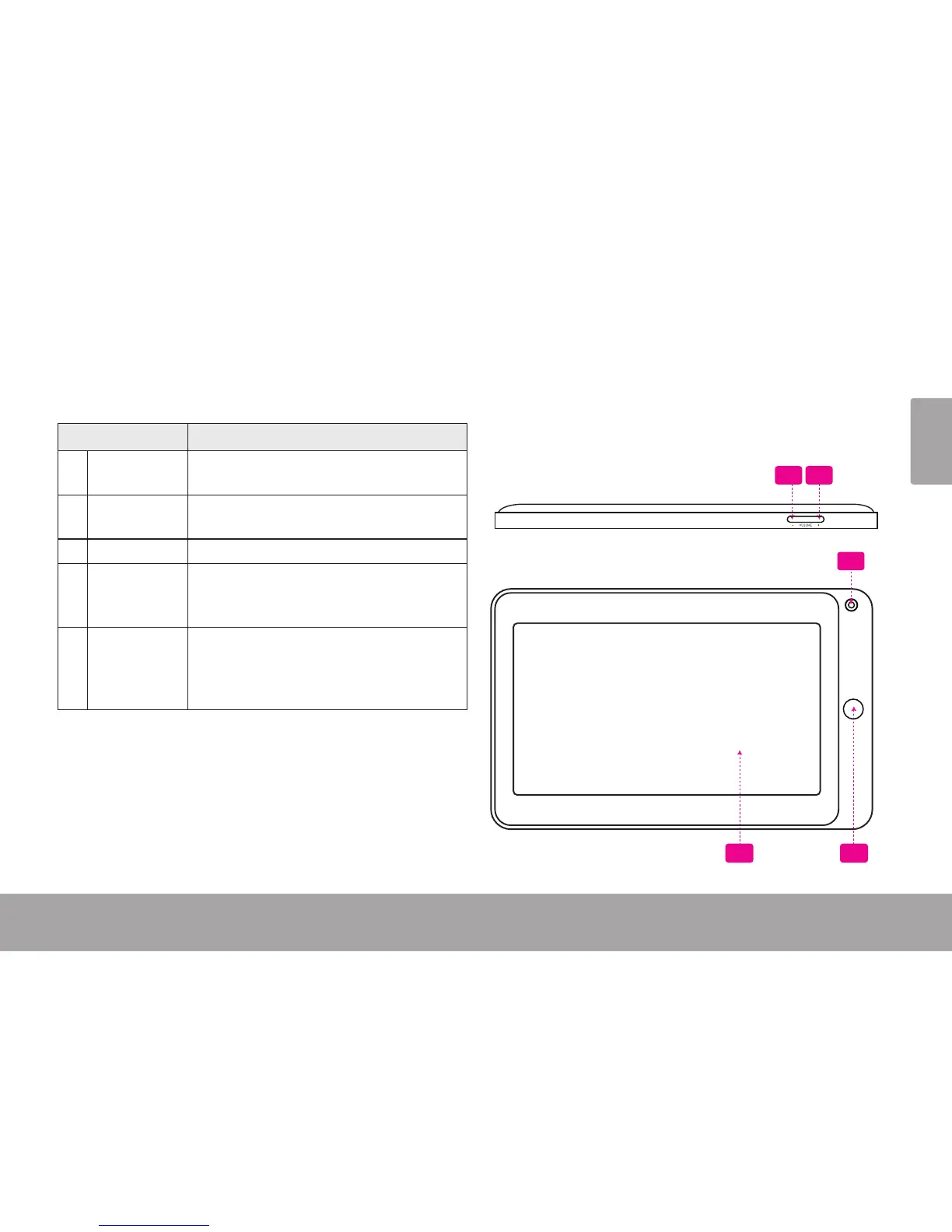
Name Description
1 Volume –
key
Press to decrease the volume level.
2 Volume +
key
Press to increase the volume level.
3 Camera Front-facing camera
4 Back key Press to return to the previous screen. If
the keyboard is on the screen, press to
close the keyboard.
5 Touchscreen
LCD
Display and control screen. Touch controls
are displayed on the screen. Touch (or
touch and hold) icons with your nger to
control the player.
1 2
5 4
3



 To Next Page