Page 17 Getting Started
English
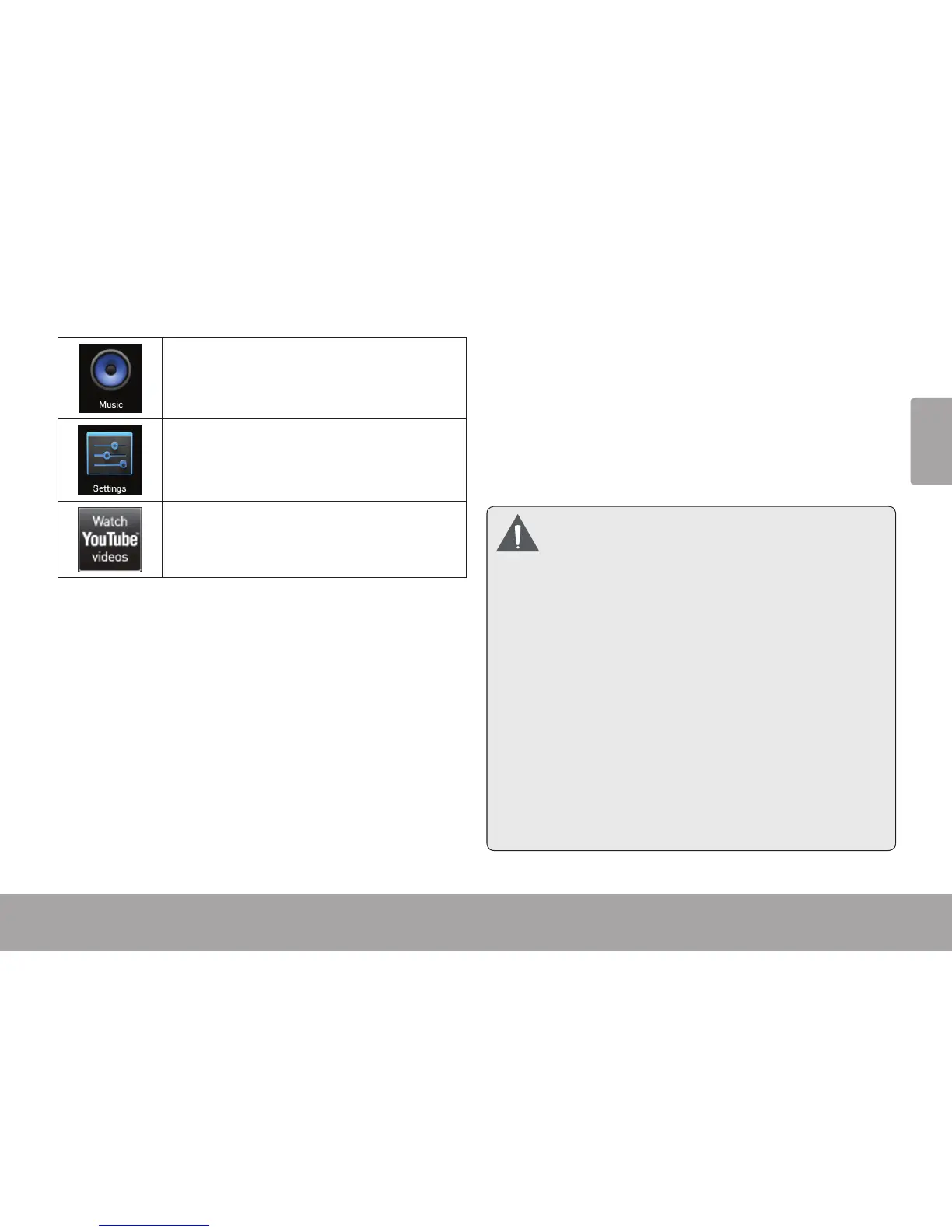
Play music.
Access the Settings menu to adjust the
tablet’s options.
Launch the mobile YouTube™ browser page
to watch internet videos.
Installing Applications
You can also download an install additional applications
from the device’s applications marketplace, the web
browser, or other sources.
The tablet must be set to allow installation of applications
from non-Market sources. The Unknown sources option
can be set in the Application settings menu.
YourCobyMobileInternetDevicemayinclude
accessto,orinformationon,content,products,
applications and services from third parties.
Youruseofsuchthirdpartycontent,products,
applicationsandservicesisatthediscretionof
suchthirdpartyandexpresslygovernedbysuch
third party’s terms of use, including any such
third party’sprivacy policies, for suchcontent,
products, applications and services. Coby
Electronics Corporation is not responsible for
and expressly disclaims all warranties of any
kindwithrespecttoallsuchthirdpartycontent,
products, applications and services. Coby
ElectronicsCorporationwillnotberesponsible
foranyloss,costs,ordamagesincurreddueto
your access to or use of third party content,
products,applicationsorservices.



 To Next Page