Page 30 Optional Connections
English
Â
Connect the tablet to a computer to transfer les.
1. Connect your tablet to the computer.
With the included USB cable:
Plug the small end of the cable into the USB 2.0 Hi-
speed connector of the tablet.
Plug the large end of the cable into an available USB
2.0 Hi-speed port on the computer.
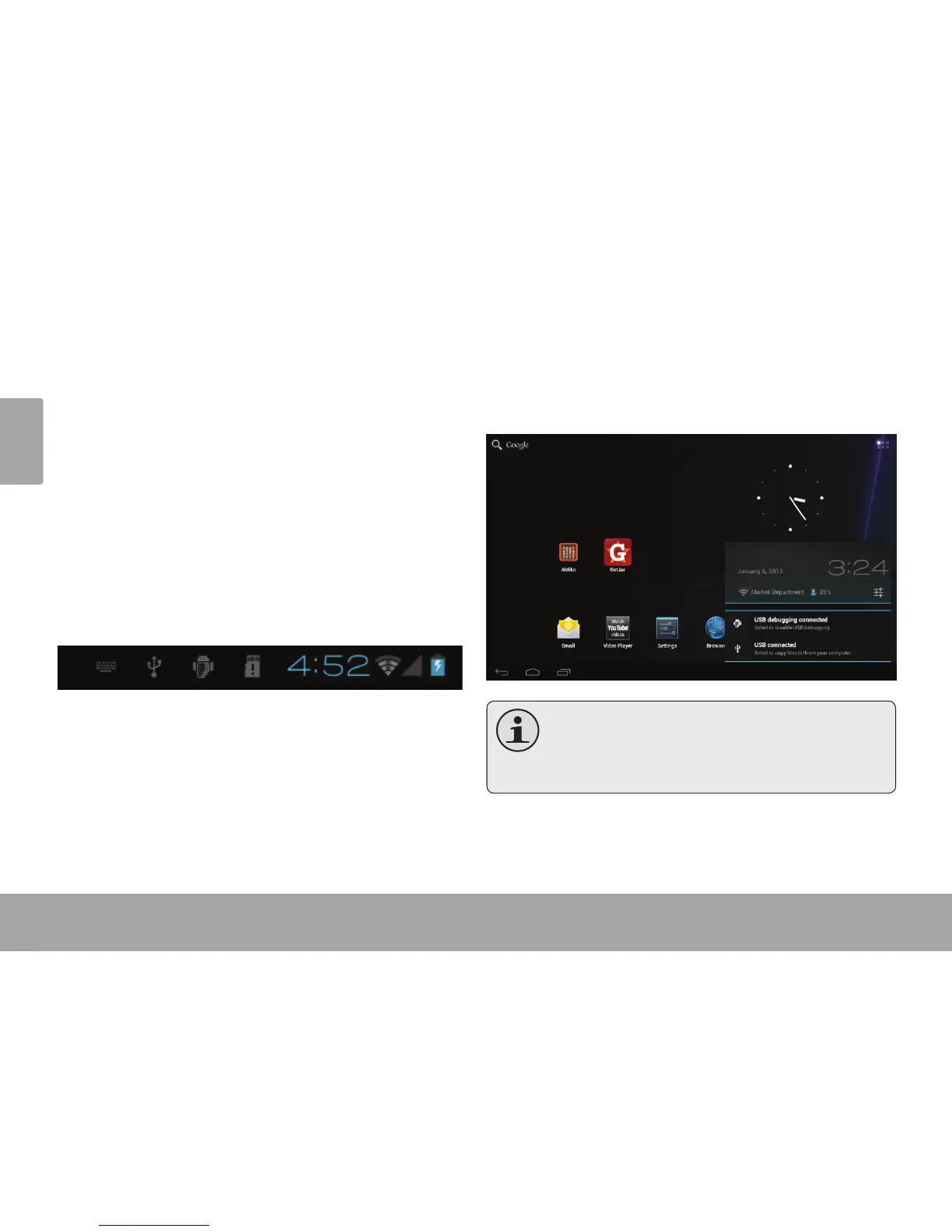
When your tablet is connected, a USB icon will
appear in the Notication bar.
Touch the Notication bar to open the notications
panel.
TheTablet’s“massstoragemode”iscompatible
with many operating systems including:
Microsoft
®
Windows
®
XP,Vista,7orhigherand
MacOSorLinux.



 To Next Page