Page 16 Getting Started
English
Turning the Screen On and Off (Standby)
When the tablet is on, you can turn off the screen to
conserve battery power. Simply press the Power key
once to turn the screen off. Press the Power key again to
turn the screen back on.
To conserve battery power, the screen can
besettoturn off automatically when the tab-
letis notinuse(between15secondsand30
minutes).ThisScreen timeoutoptioncanbe
foundintheDisplay settingsmenu.
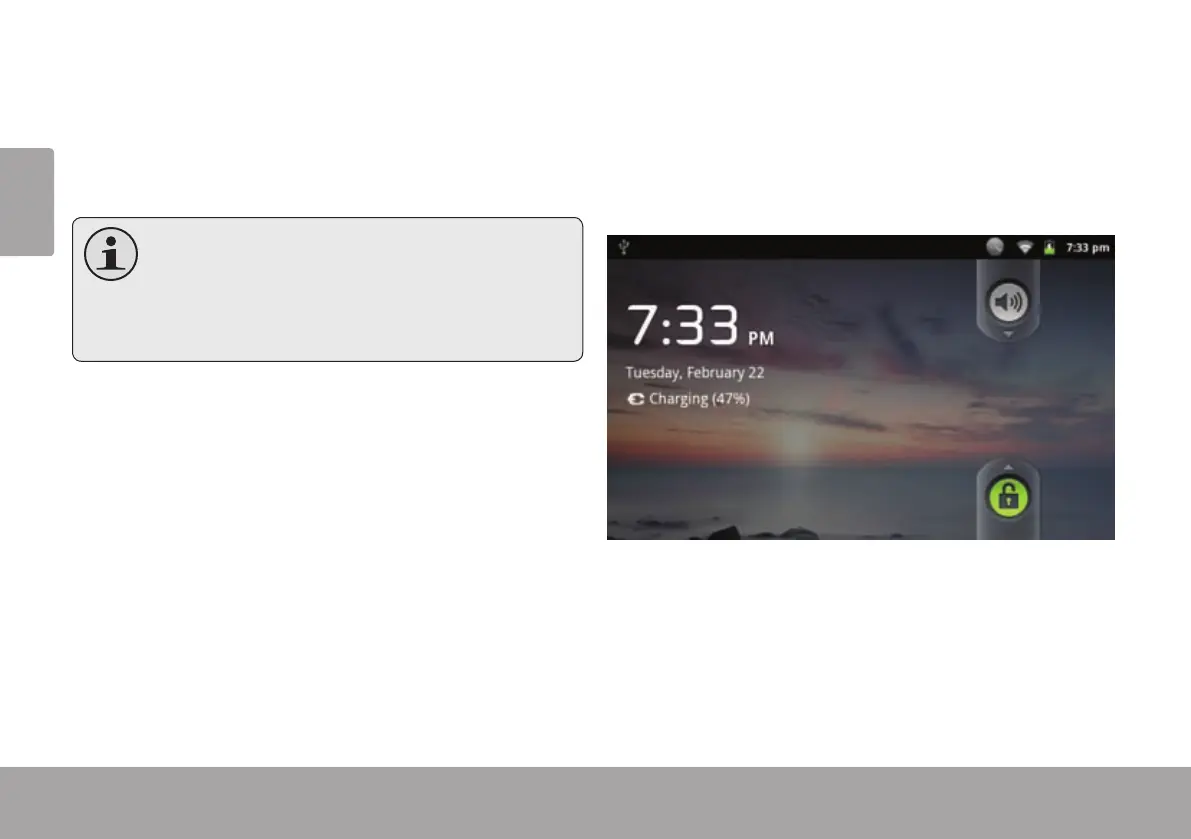
Unlocking the Screen
When the screen turns off, you will have to unlock the
screen when you turn it back on.
To unlock the screen, drag the lock icon across the
screen towards the speaker icon.



 To Next Page