Page 38 Setting The System Options
English
Â
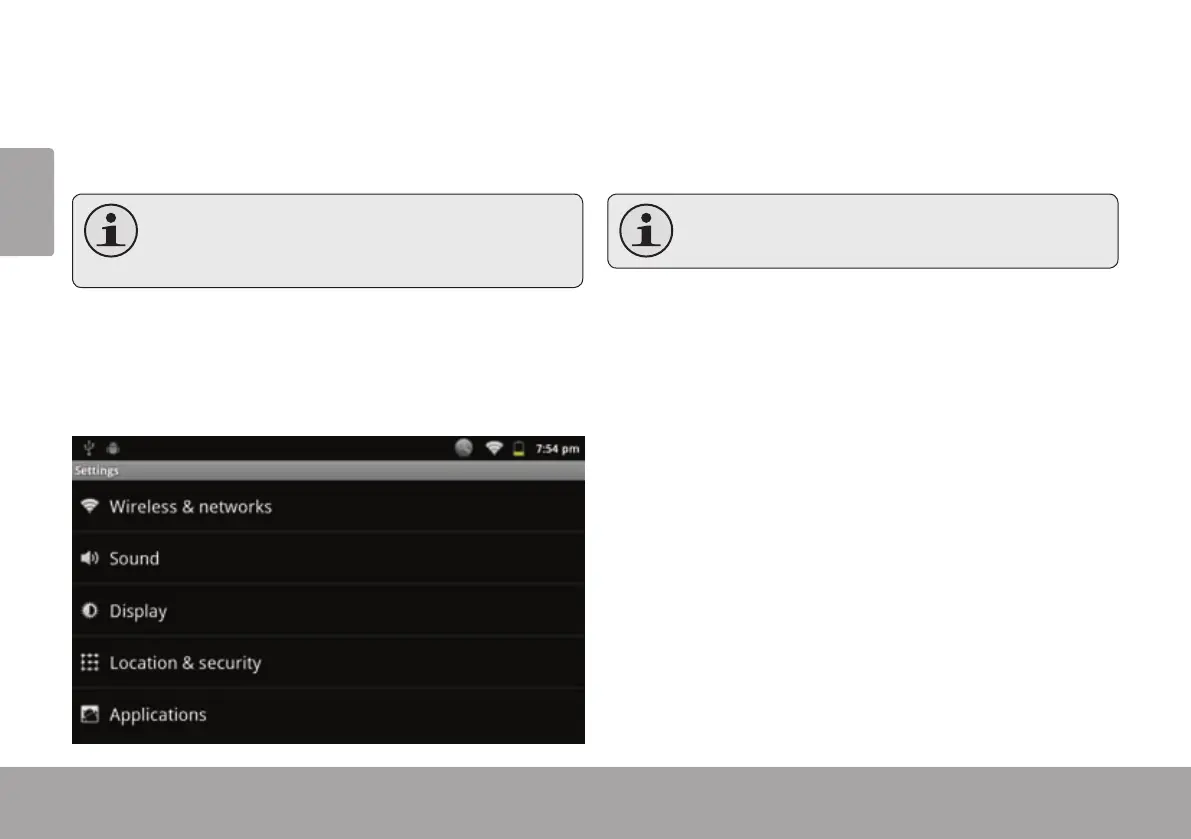
Open the system settings menu to adjust how the tablet
looks and functions.
Many applicationswill have their own settings;
refertothedocumentationprovidedbytheap-
plicationdevelopertolearnmore.
To open the Settings menu:
1. From the Home screen, press the Menu key.
2. Touch Settings to open the Settings menu.
The settings are grouped by category. Touch a category
to open and adjust its settings.
Please refer to the manualforadescription of
theitemsintheSettingsmenu.



 To Next Page