Page 18 Getting Started
English
Name Description
3 Widgets Widgets are small applications that you
can use directly from the home screen.
To add widgets to the home screen,
touch and hold an empty spot on the
home screen; the Add to Home screen
menu will appear. Touch Widgets; then
choose a widget from the menu.
4 Launcher
Tab
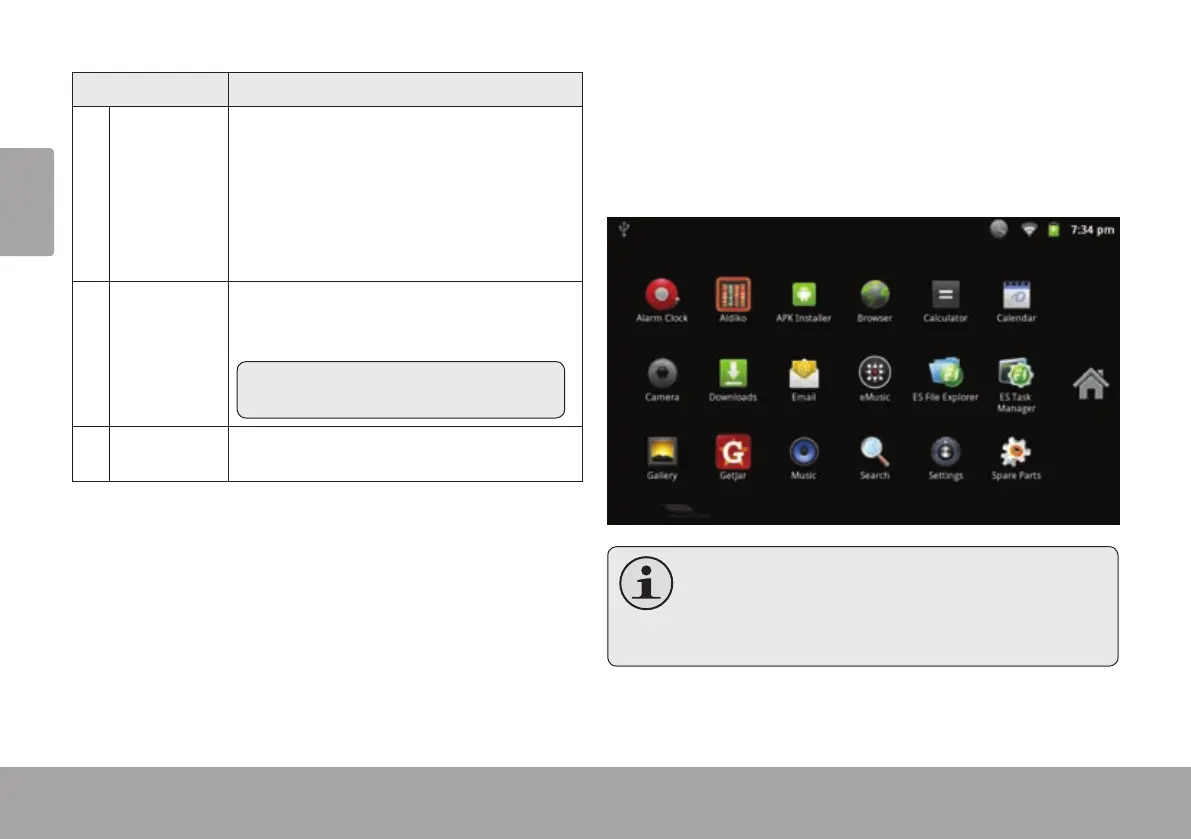
Open the Launcher to view a list of all
applications installed on the tablet. Touch
the Launcher tab to open the Launcher.
Note: You can swipe left and right to
view additional screens.
5 Icons Touch an icon to open an application or
folder
To open an application, touch the application icon on the
home screen or in the Launcher.
Launcher screen:
The screen shown above is for illustrative
purposes only. Coby reserves the right to
modifyandimprovethenallistofapplications
availableonthetablet.



 To Next Page