EasyManua.ls Logo

Coby Kyros MID8125 - Page 28

Coby Kyros MID8125
136 pages
Print Icon
To Next Page IconTo Next Page
To Previous Page IconTo Previous Page
Loading...
Page 28 Browsing The Web
English
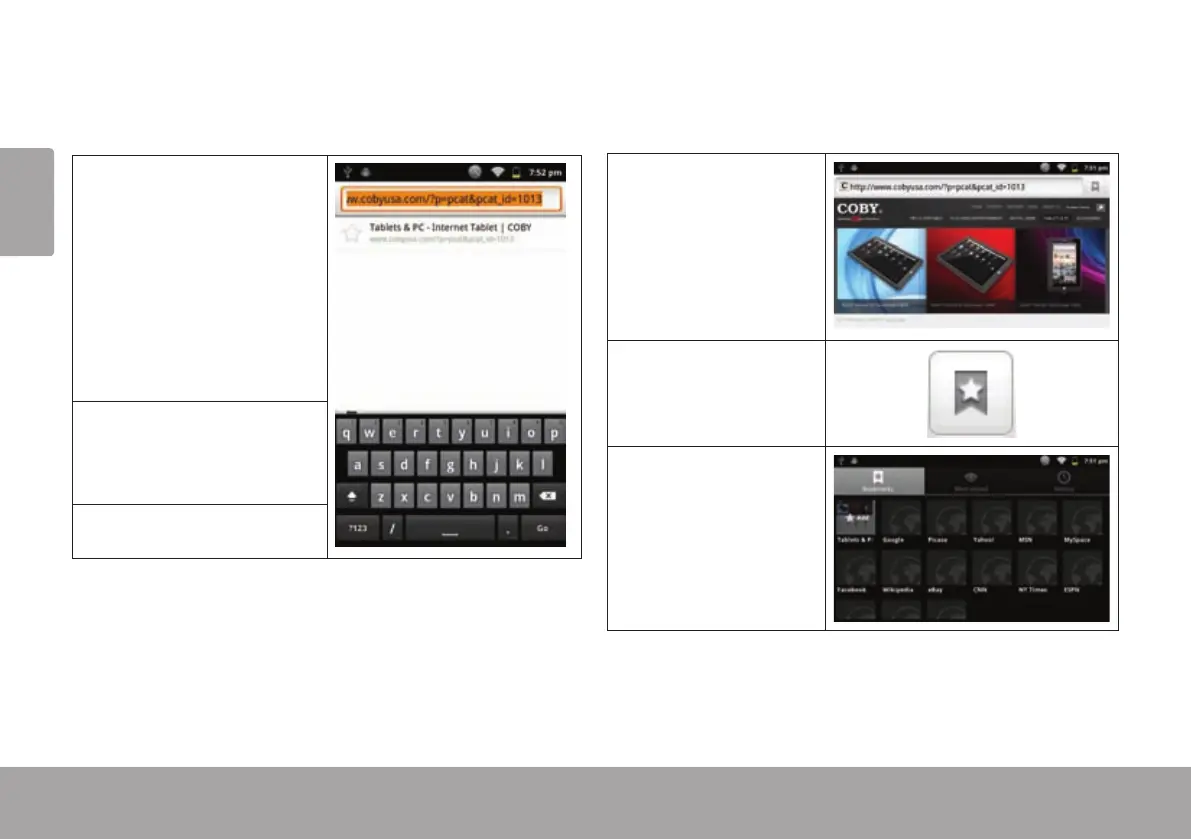
Some common Browser actions are described below.
To go to a webpage.
1. Touch the Address
bar at the top of the
Browser screen. The
keyboard will open
automatically. (If the
Address bar is not
visible, drag the page
down to return to the
top of the Browser
screen.)
2. Use the keyboard to
enter the ad-dress
(URL) of the webpage
(e.g., m.youtube.com.
3. Touch Go to open the
webpage.
To bookmark a webpage.
Bookmark your favorite webpages in order to visit
them quickly without entering a URL.
1. Go to the web-
page that you
want to bookmark
2. Touch the Book-
mark icon to
the right of the
Ad-dress bar.
3. Touch the Add
tile.

Table of Contents

Related product manuals