Page 9 Getting To Know The Coby Kyros
English
Name Description
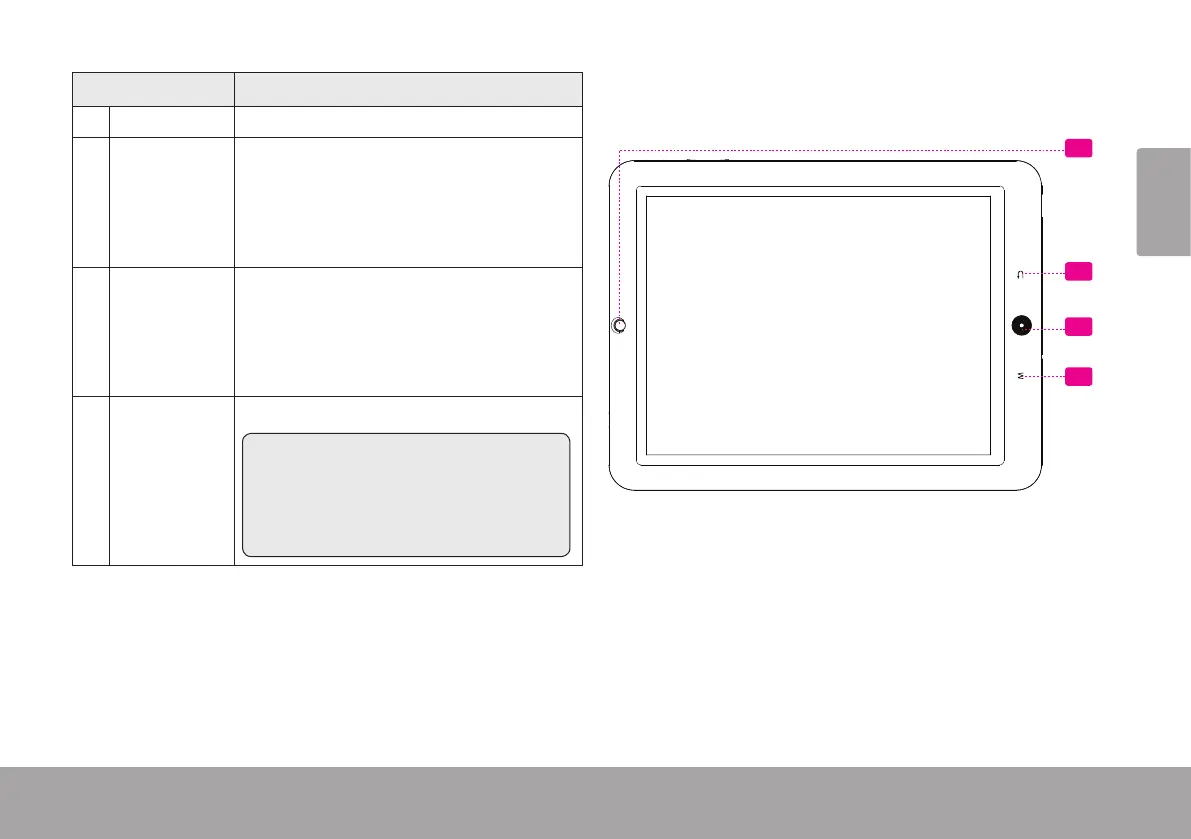
5 Camera Front-facing camera
6 Back soft
key
Tap to return to the previous screen. If
the keyboard is on the screen, tap to
close the keyboard.
7 Home soft
key
Tap to return to the home screen.
Tap and hold to view a list of recently
used applications; touch an application
in the list to launch it.
8 Menu soft
Key
Tap to view the option menu.
Note: When you Tap the Menu key
from within an application, you will
see the options for that application. To
view the Android system options, tap
the Menu key from the home screen.
5
6
7
8



 To Next Page