www.cobyusa.com Page 25
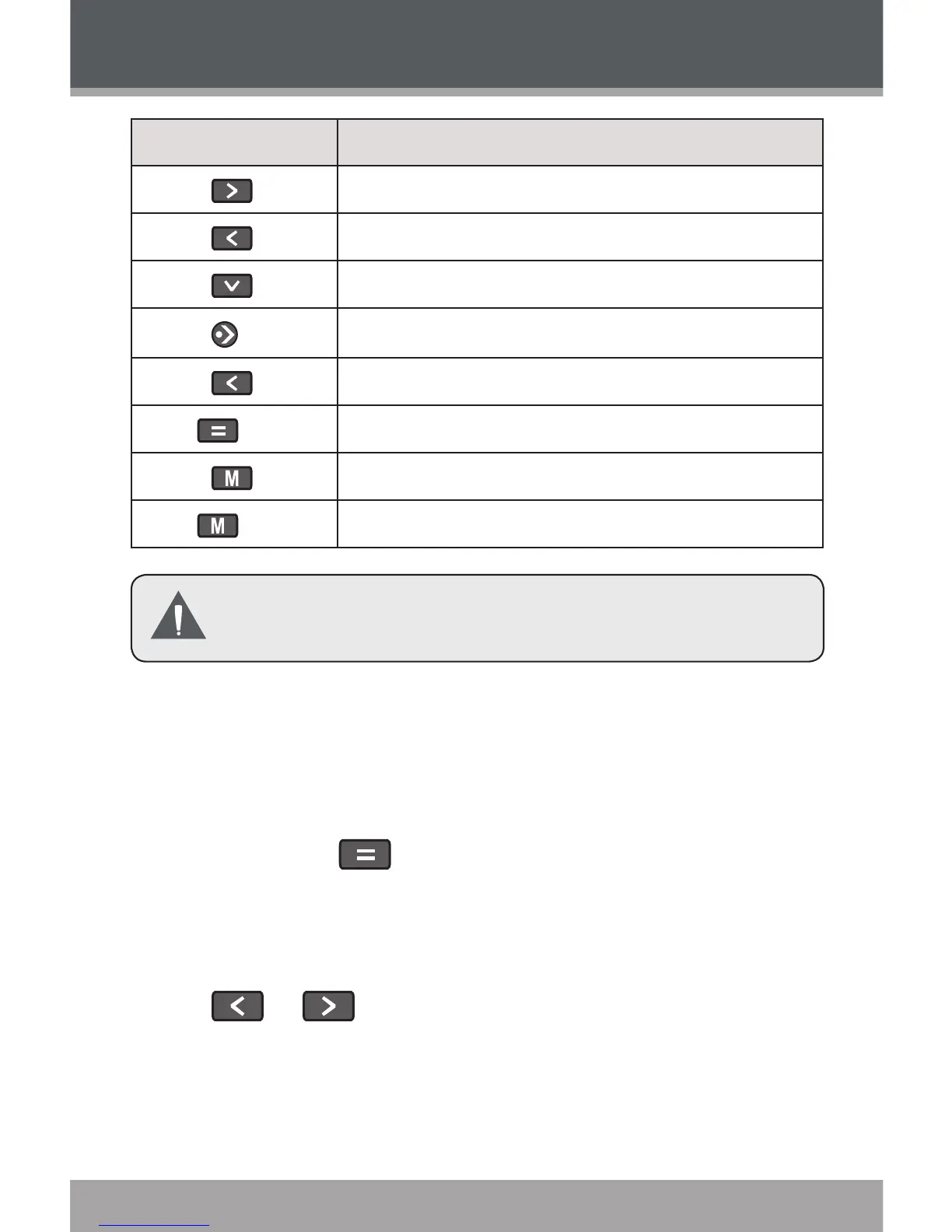
Key Function
Touch
Display the next picture.
Touch
Display the previous picture.
Touch
Rotate the picture.
Touch
Start or stop slideshow mode.
Touch
Return to the previous screen.
Hold
Access the Quick Option Menu.
Touch
Return to the Picture Explorer.
Hold
Return to Main Menu.
You can change the duration of time between pictures
during Slideshow mode from the Quick Option menu.
Quick Option Menu
The Quick Option menu gives you easy access to your
player’s option settings.
Touch and hold to access the Quick Option
menu during while a picture is displayed.
Brightness
Touch or to adjust the brightness of the screen.
Slideshow
Turn slideshow mode on.
Photo Mode


 To Next Page