www.cobyusa.com Page 41
Disconnecting from a Computer
Disconnect your player as instructed below to detect data
loss or le/rmware corruption.
Microsoft Windows
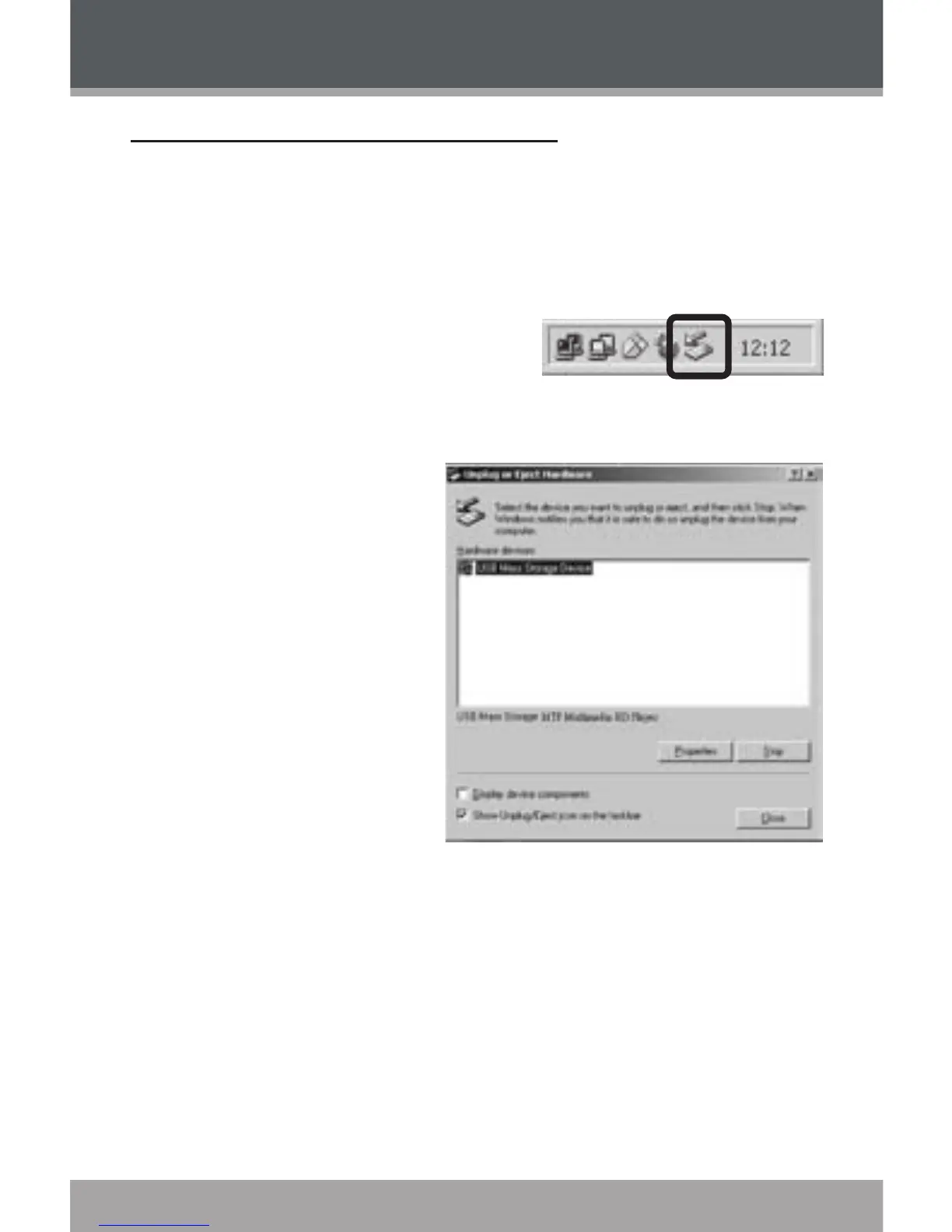
Double-click the green ar-
row in the taskbar located
on the lower-right side of
the computer screen (Safely Remove Hardware).
Safely Remove
Hardware:
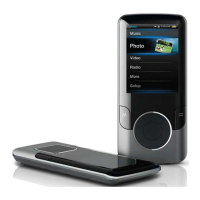
Select “USB Mass
Storage Device”
from the list that
appears and then
click on “Stop”.
Stop a Hard-
ware Device:
Select “USB Mass
Storage Device”
from the list that
appears and then click on “OK”.
When the “Safe to Remove Hardware” window ap-
pears, click the OK button and disconnect the USB
cable from the player and your computer.
1.
2.
3.
USB Connections


 To Next Page