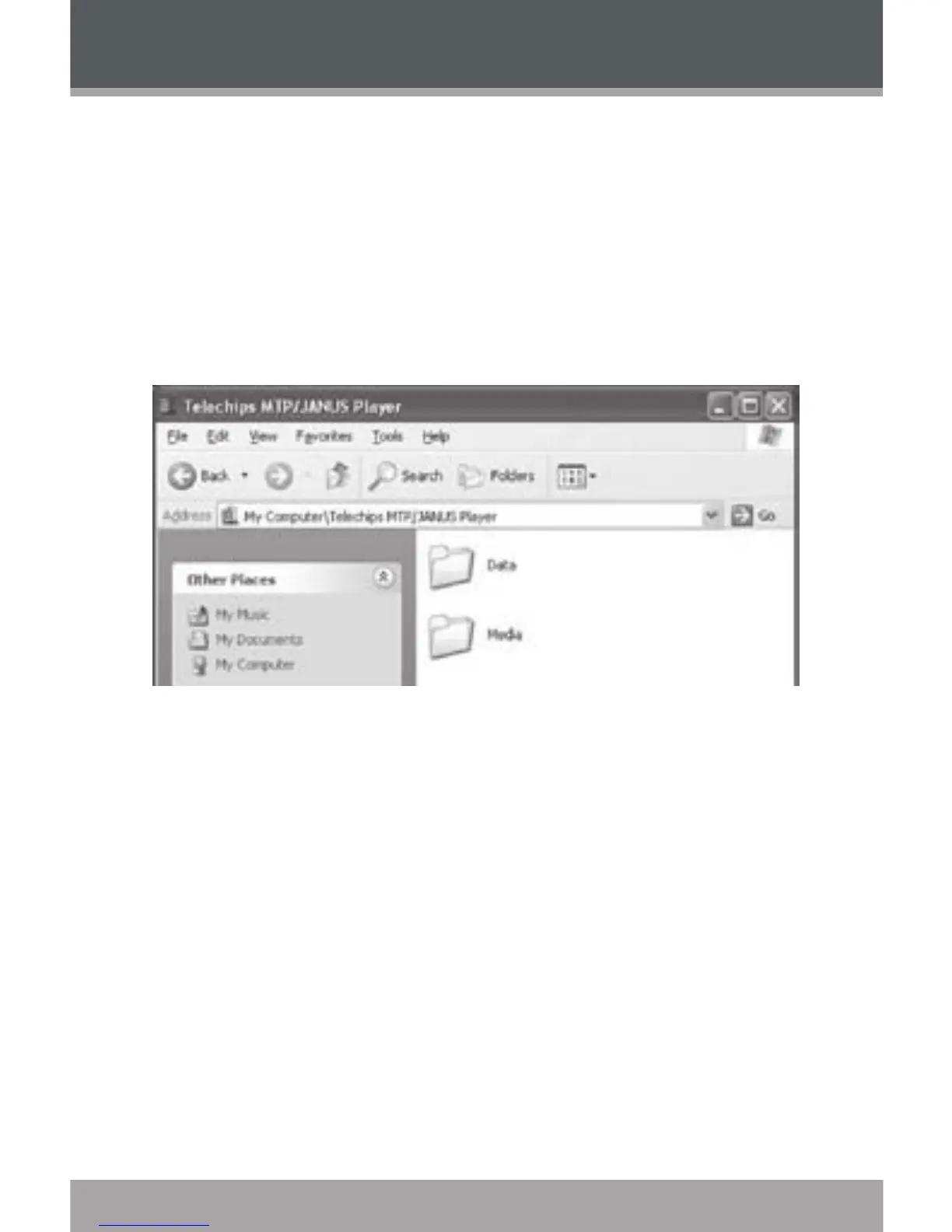
Your player contains two folders: Data and Media.
Drag your media les to the Media folder (e.g.,
MP3, WMA les).
Drag all other types of les to the Data folder
for storage. Data les are only visible from a
computer; these les will not be available from
within the player itself.
Macintosh OS X
Open a nder window. Located the les you would
like to transfer from your computer. Select the
les/folders with the mouse and press APPLE-C
(copy) on the keyboard.
Click on the Removable Disk icon located on the left
side of the nder window. The computer will display
all les and folders currently stored in the player.
Press APPLE-V (paste) on the keyboard to transfer
the les you selected in Step 1 to the player.
2.
1.
2.
3.
USB Connections


 To Next Page