Explorer Mode
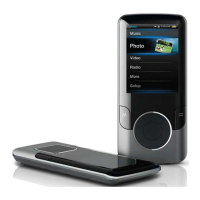
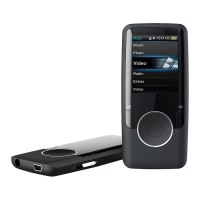
Enter Explorer mode to view all folders and les
loaded on your player.
To enter Explorer mode, select and conrm EXPLORER
from the Main Menu.
If a compatible le is selected and conrmed, the le will
be played in its corresponding mode.
Music Mode: MP3, WMA
Video Mode: AVI
Photo Mode: JPEG
EBook Mode: TXT
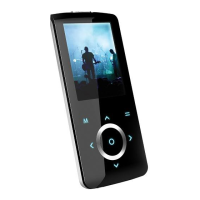
Browser Controls
Touch to move the selection up; touch to
move the selection down.
Touch to conrm a selection.
If a folder has been selected, the contents of
the folder will be displayed.
If a compatible le has been selected, the le
will be played in its corresponding mode.
Touch to cancel a screen and return to the
previous folder.
Touch and hold to return to the Main Menu.


 To Next Page