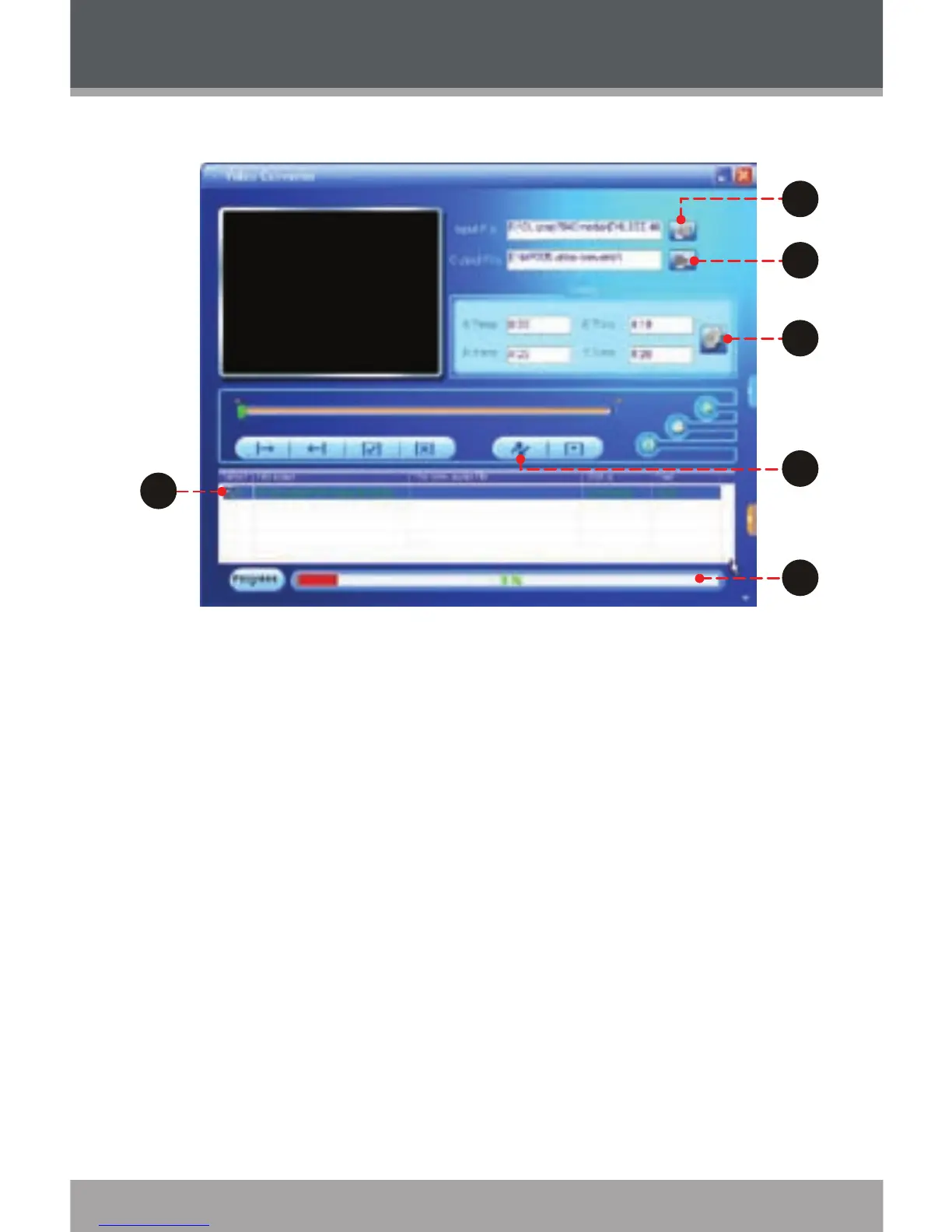
Click the “Input File” button to select the source
video le to convert.
The source le must be one of the following
video types: AVI, RM, RMVB, MPG, MPEG,
MP4, ASF, WMV, MKV, DAT, or VOB.
DirectX 9.0, Media Player 9.0, and other codecs
must be installed to support all media types.
Click the “Output File” button to choose a name and
location for the completed le after conversion.
This conversion will be added to the Job Queue.
Repeat Steps 1 and 2 to continue adding conversion
jobs until you are nished.
1.
2.
3.
Video Conversion



 To Next Page