EasyManua.ls Logo

Coby NBPC1028 - User Manual

Coby NBPC1028
26 pages
Print Icon
To Next Page IconTo Next Page
Loading...
Please read carefully before use
For assistance with this product, please contact Coby Technical Support:
718-412-4173, Mon–Fri, 8:00AM–5:30PM EST
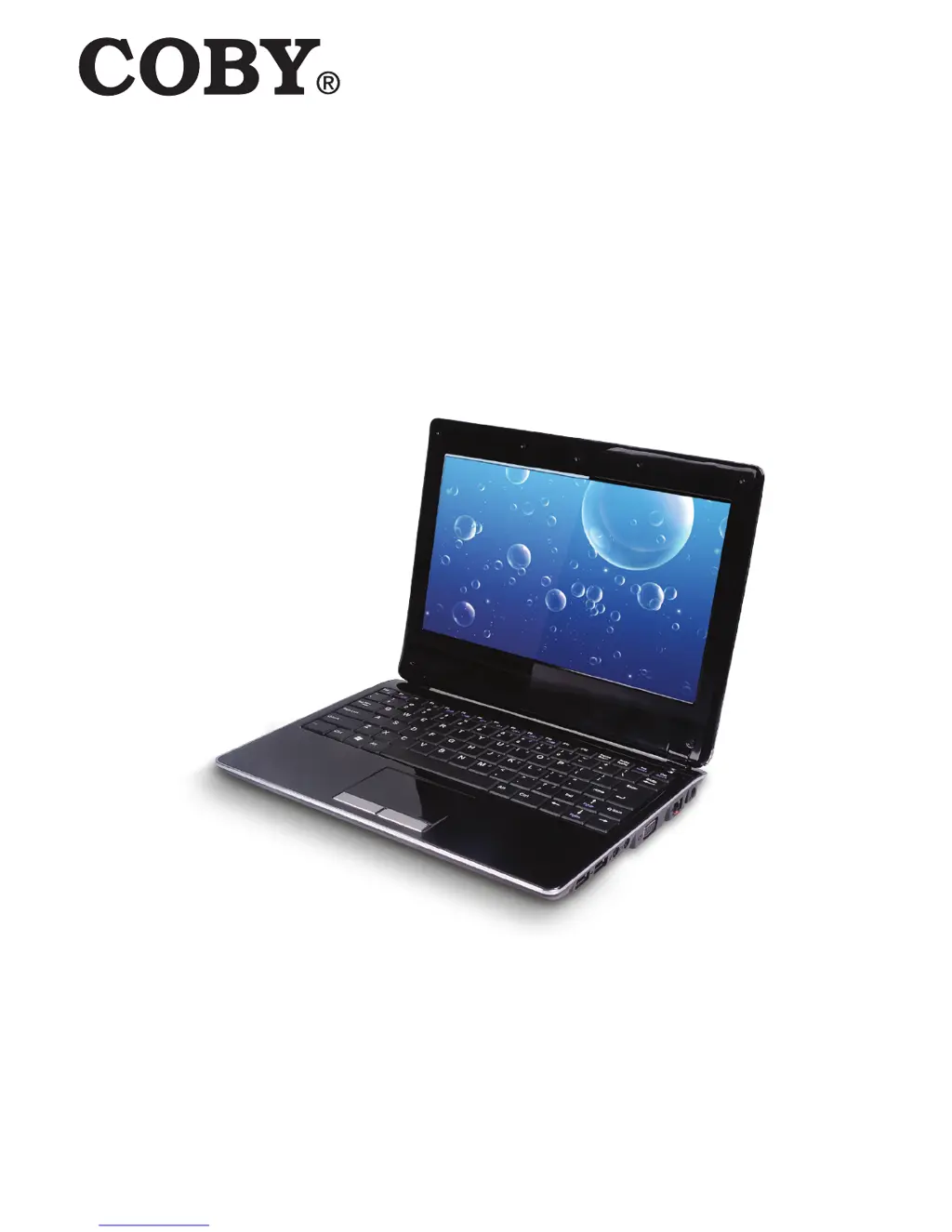
NBPC1028
Ultra-Portable NETBOOK PC

Other manuals for Coby NBPC1028

Questions and Answers

  • B
    Bradley ShortAug 27, 2025
    What to do if my Coby Netbook computer enters sleep mode unexpectedly?
    • D
      Danielle PageAug 27, 2025
      Check that the battery is charged. If the processor overheats, ensure the computer is properly ventilated and not hot to the touch. Also, check the sleep mode settings. Note that the computer may enter sleep mode immediately after Power-on self-test (POST).
  • L
    lori55Aug 27, 2025
    What to do if my Coby Netbook turns on, but there is no screen image?
    • W
      Wendy JacksonAug 27, 2025
      Confirm that the screen brightness level is not at its minimum setting. To increase brightness, press Fn +F7. If using battery power, check that the battery is installed correctly. If using AC power, check that the AC adapter is connected to the computer and the power cord is plugged into a working electrical outlet.
  • W
    wadejasonAug 25, 2025
    What to do if my Coby Netbook screen goes blank while the computer is on?
    • M
      Melissa AndersonAug 26, 2025
      If the screen goes blank, the screen saver may be enabled; touch the touchpad or any key to exit screen saver mode. Also, if power management is enabled, the computer may have entered sleep mode. Press the power button to exit sleep mode.
  • S
    Susan BushAug 23, 2025
    What to do if my Coby Netbook computer does not turn on?
    • P
      Paul ValenciaAug 23, 2025
      If you're using AC power, ensure the AC adapter is securely connected to the computer and the power cord is plugged into a working electrical outlet. If you're using battery power, verify that the battery is charged.

Summary

Package Contents

Safety Precautions

General Operation Safety

Safety guidelines for operating the computer and workspace.

Battery Safety Guidelines

Precautions for safe handling and use of the battery pack.

Power Connection Safety Measures

Guidelines for safe connection of the power adapter to the computer.

Unit Components Safety

Precautions for connecting external unit components to ports.

Netbook Overview

Top View Component Identification

Identifies components visible on the top surface of the netbook.

Left View Component Identification

Identifies components located on the left side of the netbook.

Bottom View Component Identification

Identifies components located on the bottom surface of the netbook.

Basic Operation Guide

Power Options and Management

Instructions on using AC adapter and battery power for the netbook.

Getting Started and Powering On

Initial setup steps and how to turn on the computer.

Sleep and Shut Down Procedures

Guidance on putting the computer to sleep or shutting it down.

Keyboard and Touchpad Usage

Explains keyboard functions, numeric keypad, and touchpad operation.

Netbook Features

Memory Card and Web Camera Usage

How to use memory cards and the built-in web camera.

Internet Connectivity Options

Information on LAN and wireless internet connections.

Device Driver Installation Guide

Guidance on installing necessary device drivers for proper function.

External Device Connectivity

USB Device Connection Guide

Instructions for connecting Universal Serial Bus (USB) devices.

External Display and Audio Connections

How to connect external displays, headphones, and microphones.

Troubleshooting Guide

Product Specifications

FCC Compliance Statement

Coby NBPC1028 Specifications

General IconGeneral
Display Size10.1 inches
Display Resolution1024 x 600 pixels
WirelessWi-Fi 802.11b/g/n
Webcam0.3MP
PortsUSB 2.0, headphone jack

Related product manuals