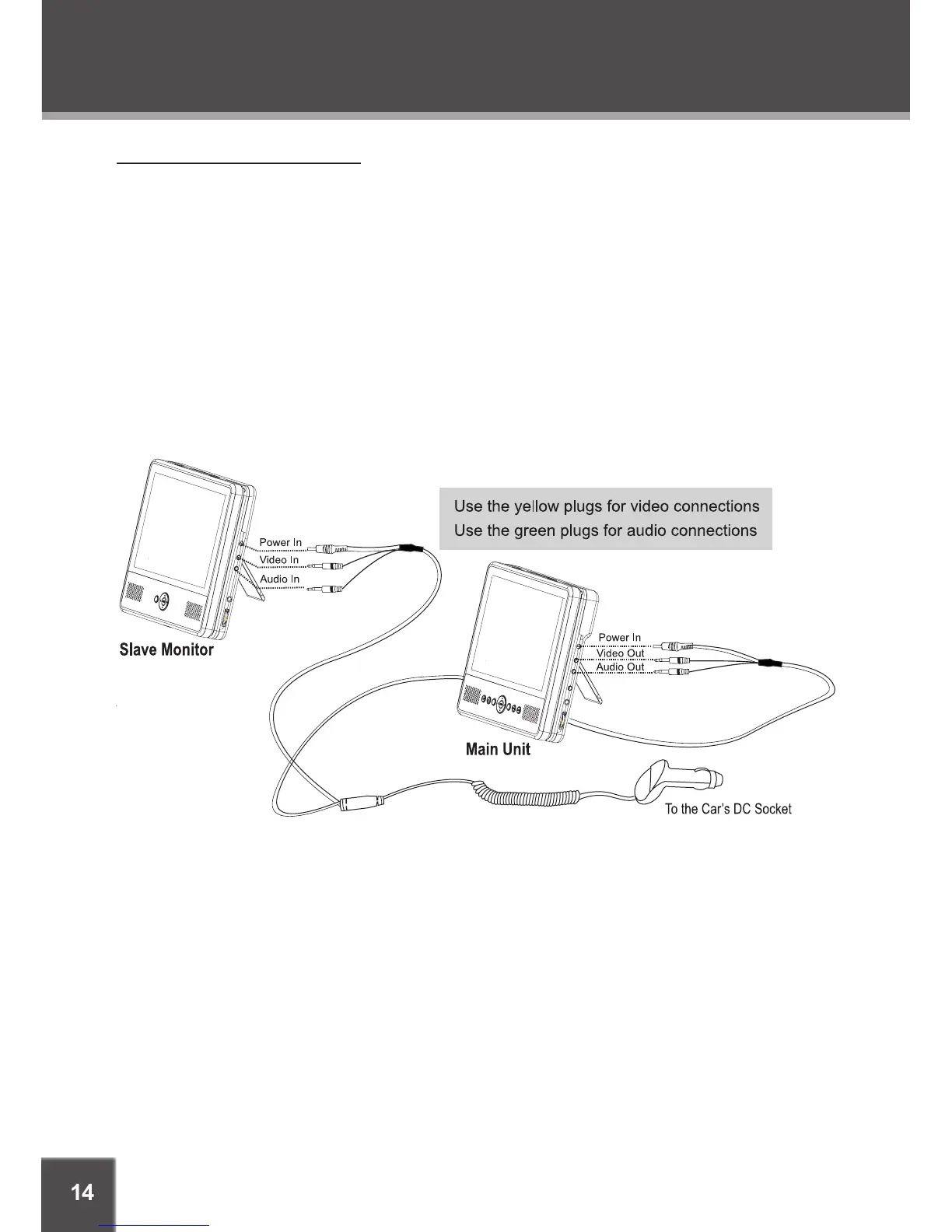
Dual Screen Slave Connection
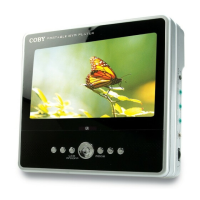
Your player comes equipped with a secondary slave monitor screen. When this connection is
made, the slave monitor display will be controlled by the Main Unit.
The slave monitor can accept Audio/Video signals from any external device with the appropriate
AV input/output cables.
In-Car:
Make the audio and video connections as shown in the diagram below using the DC Car
Adapter with Slave Connector cable. Make the Power connections last.
Indoors:
Make the audio and video connections as shown in the diagram below using the DC Car
Adapter with Slave Connector cable. Use the AC adapters provided to make the indoor
power connections.
•
•
CONNECTIONS


 To Next Page