C
D
Turn off your Cochlear sound processor.
Press the pairing button once (twice for channel 2, three
times for channel 3) using the tip of a pen or similar object.
The status LED will flash yellow and the device will be in
pairing mode for 20 seconds.
Pair with sound processor
A
You can pair up to three Cochlear streaming devices with your
Cochlear sound processor. Select a separate channel for each
device paired with the sound processor.
Turn on your microphone.
B
E
While pairing mode is active, turn on your sound processor.
F
Successful pairing will be indicated by either an audible
melody played in the sound processor, or by a flashing light
on the sound processor (depending on the type of sound
processor).
The number of flashes from the LED in each sequence will
correspond to the channel the microphone is being paired to
(two flashes – channel two, three flashes – channel three).
Start streaming
1. Turn on the microphone and your sound processor.
2. Press and hold the wireless streaming/program button on your
sound processor for about three seconds.
When streaming is activated, an audible melody or a flashing light
(depending on the type of sound processor) will be followed by
streamed audio via the microphone.
Start streaming from a second or third
Cochlear Wireless Accessory
If your sound processor is paired with more than one streaming
device simply press and hold the wireless streaming/program
button a 2nd or 3rd time to access the 2nd or 3rd Cochlear
streaming device.
Stop streaming Mute
Press the wireless streaming/program button on your sound
processor. This will return the sound processor to the last program
used.
1. To mute the signal press the mute button. The mute LED will flash
yellow while muted.
2. To unmute the signal press the mute button again.
Note: Restarting the microphone while muted will unmute the signal.
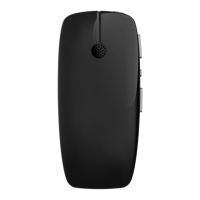
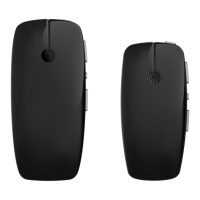
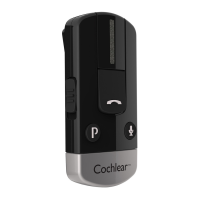
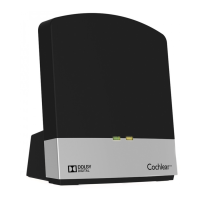
Using your Cochlear Wireless Mini Microphone








 To Next Page