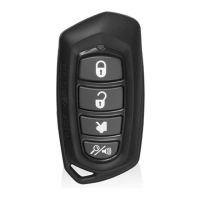
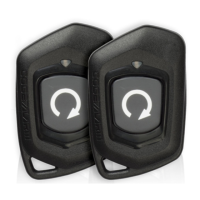
Refer to transmitter programming.
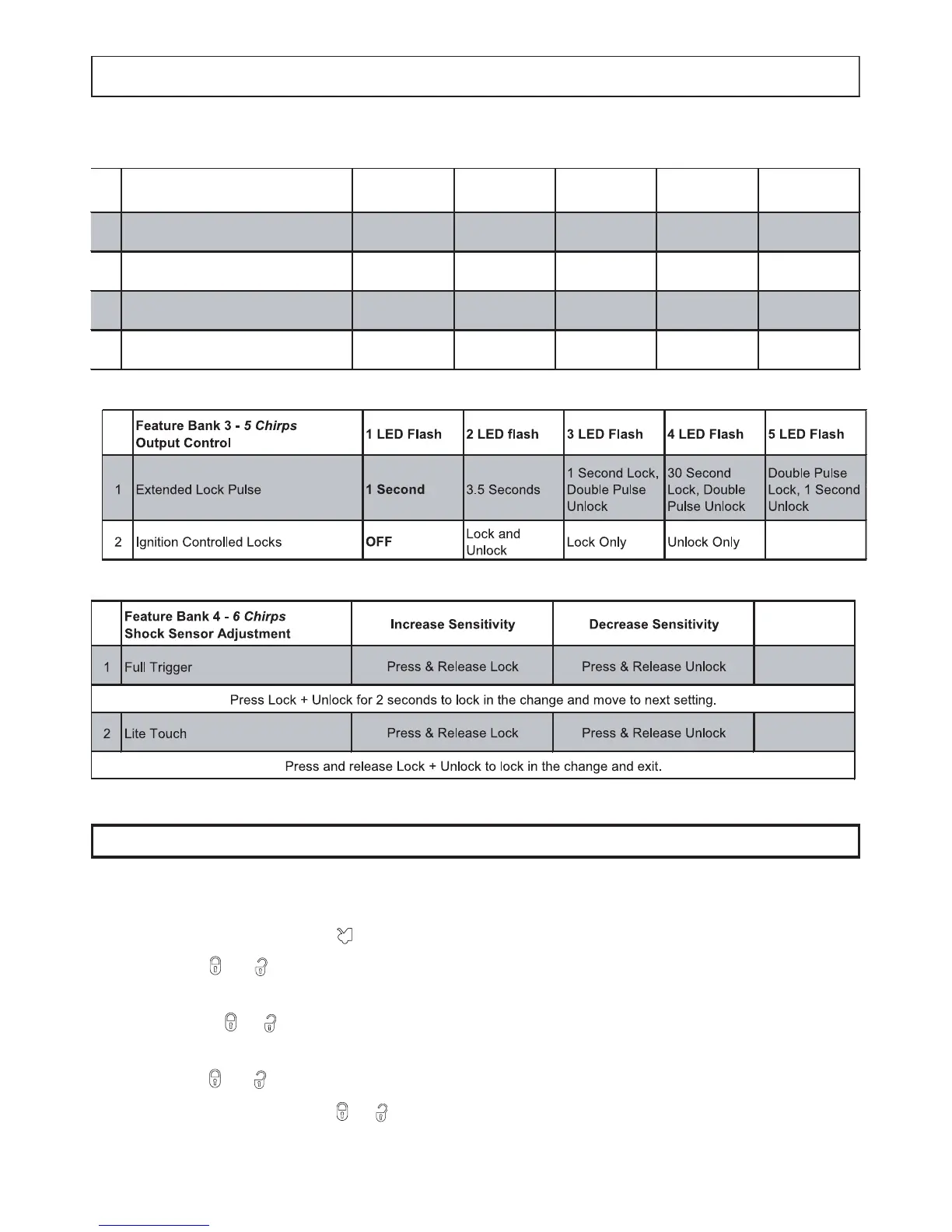
Feature Bank 4 - Shock Sensor Adjustment
1. Enter Feature Bank 4
2. Press and release to select full trigger.
3. Use or to adjust the settings. The system will give short chirps upon
each press.
4. Press + for 2 seconds to lock in the change and advance to the lite
touch setting, the system will give 2 long chirps to confirm.
5. Use or to adjust the settings.
6. Press and release + to lock in the change, the system will exit
programming and give 1 long chirp to confirm. This step must be
completed to properly program the shock senor.



 To Next Page