Defaulting All Features: Pressing the button anytime while in any of the feature
banks will default all features and return you to feature bank 2 - 4 chirps.
NOTE: The system will remain in feature programming mode as long as the ignition is
on, there is no time limit. To exit programming turn the IGNITION OFF.
Manual Feature Programming - Feature Bank 2 - 3
1. Turn the ignition ON.
2. Press and hold the valet/override button.
3. Within 10 seconds the system will chirp (3) three times.
4. Use the valet/override button to advance through each option bank. For
feature programming advance to Feature Bank 2, or 3, which is (4)
four, and (5) ve chirps.
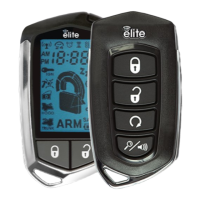
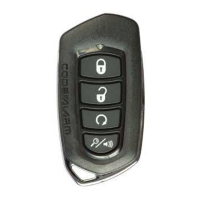
5. Use the transmitter button to scroll through the selections in each
feature bank, the system will chirp to match the feature number.
6. Press the transmitter button to change the desired feature. The LED will
ash indicating the changed feature.
Set Up & Programming
Transmitter Programming - Feature Bank 1
1. Turn the ignition ON.
2. Press and hold the valet/override button.
3. Within 10 seconds the system will chirp (3) three times.
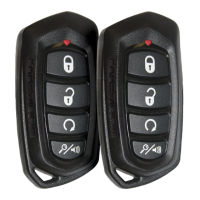
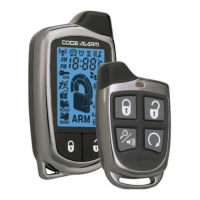
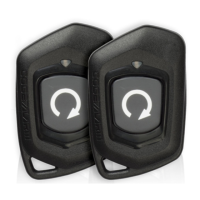
4. Press 1 button of each transmitter you wish to program.
5. The system will respond with 1 chirp for each accepted transmitter.
6. Pressing the override button at anytime during programming will advance to
the next bank.
NOTE: The system will exit transmitter programming after 15 seconds of inactivity.
NOTE: This system has 1 button programming which programs all channels of the
system.
NOTE: The system will hold up to 4 transmitters in memory, programming a 5th
transmitter will erase the oldest transmitter in memory.
NOTE: This system has PTN - Programmed Transmitter Notication. Each time the
ignition is turned ON, the LED will ash the number of transmitters programmed to the
system.
Refer to transmitter programming.
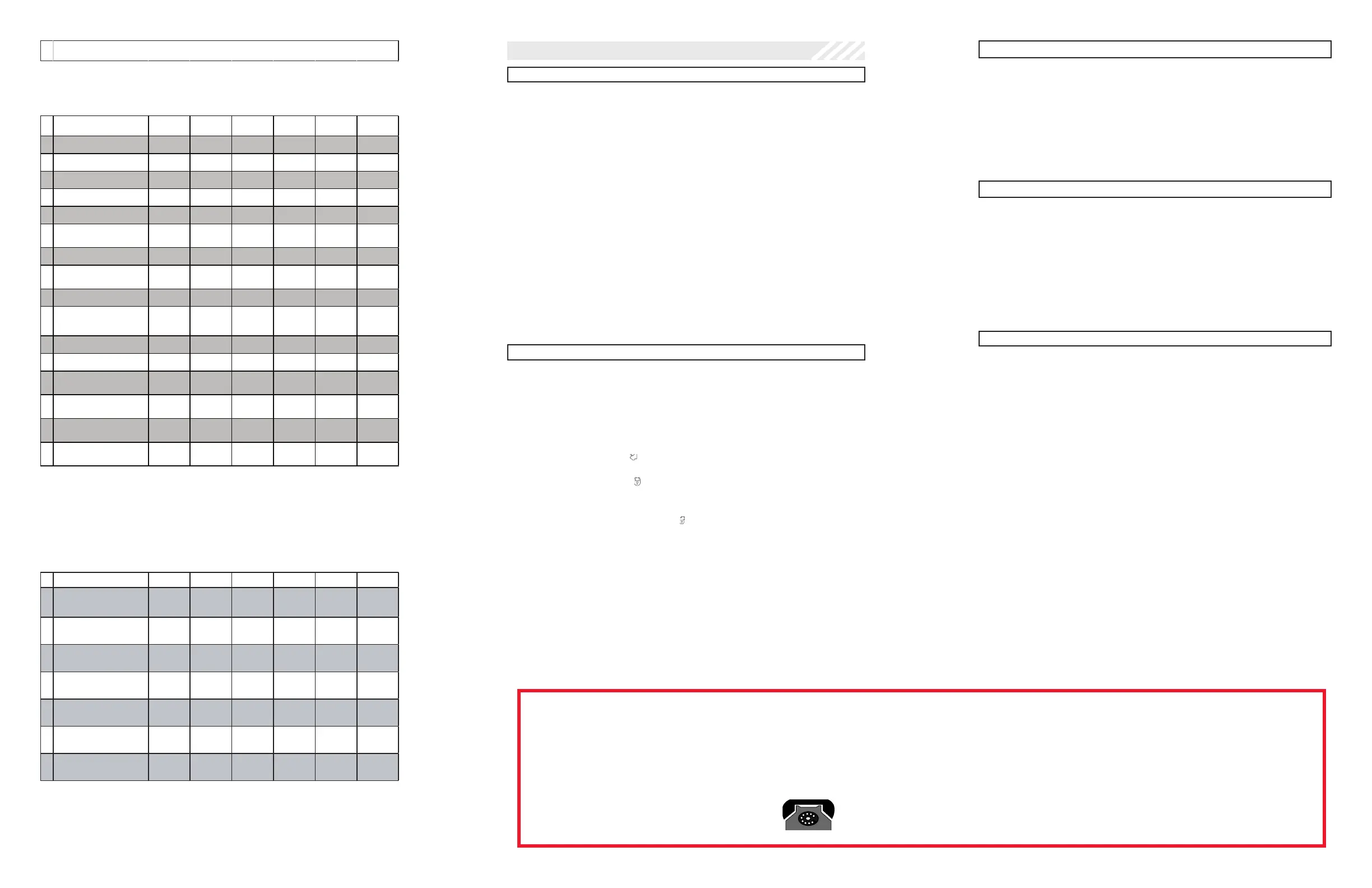
Feature Bank 1 - 3 Chirps
Transm itter Programming
Feature Bank 2 - 4 Chirps
Security Control
1 LED Flash 2 LED Flash 3 LED Flash 4 LED Flash 5 LED Flash 6 LED Flash
1Silent Choice ON OFF
2Door Locks Active Passive
3System Arming Active Passive
4System Notifications Siren & Horn Siren Only Horn Only
5 Alarm Duration 30 Seconds 60 Seconds
6Security ON OFF
w/ OEM
mote Start
7Anti-Hijack Mode OFF ON
8
Ground While Armed
Orange ( - ) Output
Ground While
Armed
Ground While
Disarmed
9DBI Port Protocol DBI ADS
10 Arm / Disarm Chirps
Standard:
2 - Arm
1 - Disa rm
Inve rted:
1 - Arm
2 - Disarm
11 LED Indicator ON OFF
12 Auto Re-lock OFF Lock Only Arm & Lock
13 Extended Parking Lights OFF After Unlock After Lock
After Lock &
Unlock
14
Parking Light Relay / Trunk ( - )
Output
Standard Inve rted
15 Digital Tilt Sensor N/A
16
Domelight Delay:
Preset Time or Programmable
Program
15 Seconds 30 Seconds 45 Seconds60 Seconds 120 Seconds
Feature Bank 3 - 5 Chirps
Output Control
1 LED Flash 2 LED Flash 3 LED Flash 4 LED Flash 5 LED Flash 6 LED Flash
1Extended Lock Pulse
1 Second
3.5 Seconds
1 Second
Lock, Double
Pulse Unlock
30 Second
Lock, Double
Pulse Unlock
Double Pulse
Lock, 1
Second Unlock
0.5 Second
Pulse
2Factory Disarm
Factory
Disa rm
2nd Unlock
Factory Disarm
500mS Double
Pulse
Factory Disarm
350mS Pulse
Factory Disarm
500mS Pulse
Factory Disarm
Using Unlock
Timing
3Ignition Controlled Locks
OFF
Lock and
Unlock
Lock Only Unlock Only
4
Trunk Output Timing
Red / White Output
Push and
Hold
10 Seconds 20 Seconds
Latched until
IGN ON
Latched ON
until Button
Press
5Horn Output Timing
16mS
10mS30mS40mS50mS
6Real Panic
ON
OFF
7
AUX 1
Violet / Black Output
Push and
Hold
Latched
Latched until
IGN ON
Dome Light
Output
Dome Light Delay / Theater Dimming
When the Dome Light Delay is set to “Program Custom Time” in feature
programming (this is the default setting) the system can be programed to delay
arming after the lock button is pressed for vehicles with a dome light delay or theater
dimming feature. Once programed the system will ‘learn’ the timing of the dome light
delay (60 second max) and add 2 seconds before arming.
1. Close all doors with ignition o.
2. Using the transmitter press LOCK, UNLOCK, LOCK ,UNLOCK, LOCK ,
UNLOCK, LOCK. The LED will light solid to indicate the system has
entered DOME DELAY LEARN MODE.
3. Immediately OPEN then CLOSE the door WITHOUT disarming the
system. The system will then monitor the door trigger wire. Once the
dome light turns o, the system will then add 2 seconds and then exit
the learning mode.
4. The LED will begin to ash indicating the system has exited the
learning mode and is now armed.
Note: To program a custom delay time Feature Bank 2, Feature 16, “Dome Light
Delay: Preset Time or Programmable, must be set to “OFF/Program Custom Time”.
Defaulting the Dome Light Delay: Turn the ignition ON then OFF 3 times then
press and hold the valet button for 5 seconds, the system will chirp 1 time indicating
the learned delay time has been cleared.
User Selectable LED
This feature will control whether the LED is ON or OFF when the system is Armed/
Locked. This will be selectable in feature programming OR on-the-y without entering
the programming feature banks.
1. Turn the ignition ON, OFF, ON, OFF.
2. Press and release the valet/programming button 3 times. The system
will respond with 1 chirp for ON or 2 chirps for OFF.
Chirp Delete - User Accessible
System ARM/DISARM chirps can be toggled ON or OFF without entering the
programming feature banks.
1. Turn the ignition ON then OFF.
2. Press and release the valet/programming button 3 times. The system
will respond with 1 chirp for ON or 2 chirps for OFF.
PC Based Feature Programming / Firmware Updates
WhenusingtheNEWCodeAlarmUtilityAppalongwithaVEPROGProgrammingtoolyoumayprogramselectablefeaturesorupdatethermwareofthismodule.
1. To download the Code Alarm Utility App visit the Voxx University website at voxxuniversity.com.
2. Select VOXXTECH and locate the utility app under the heading Software Downloads.
Technical Support (800) 421-3209
or visit
www.voxxuniversity.com
Programming Update Notice: Firmware version 5.0 or later.


 To Previous Page
 Loading...