Code Blue
•
259 Hedcor Street
•
Holland, MI 49423 USA
•
800.205.7186
•
www.codeblue.com
GU-145-Bpage 5 of 19
IA3100
Administrator Guide
4 Basic Programming
This Fast Start instruction sheet covers the most commonly utilized features of the IA3100
1. PROGRAMMING A PHONE NUMBER TO DIAL
Call the extension or phone number of the CB unit.
After the RFA tone:
22258# Programming Mode
90# Defaults the Phone
50 <phone number> # 1st Phone, Button #1 Dials
51 <phone number> #
2nd Phone, Button #1 Dials
52 <phone number> #
3rd Phone, Button #1 Dials
53 <phone number> # 1st Phone, Button #2 Dials
54 <phone number> #
2nd Phone, Button #2 Dials
55 <phone number> #
3rd Phone, Button #2 Dials
# Hold for 2 seconds to exit pro-
gramming
2. PROGRAMMING RING DOWN/HOTLINE
Call the extension or the phone number of the CB
unit. After the RFA tone:
22258# Programming Mode
90# Defaults the Phone
354# Set phone for ring down
# Hold for 2 seconds to exit pro-
gramming
3. Recording Messages
Call the extension of the phone number of the CB
unit, after the RFA tone:
22258# Programming Mode
30#
31#
32#
33#
Choose where the messages will play:
30 plays to operator when call answered
31 plays at the unit upon red button touch -
default
32 message 10 plays at the unit, message,
11 plays to operator when call answered
33 messages 10 & 11 plays to both parties
when call answered
10 10 <Record 1st message>, hit # to end your
recording
11
11 <Record 2nd message>, hit # to end your
recording, only usable in modes 32 & 33
721#
Message Repetition; 0, 1, 2, 3, 4
# Hold for 2 seconds to exit programming
Programming
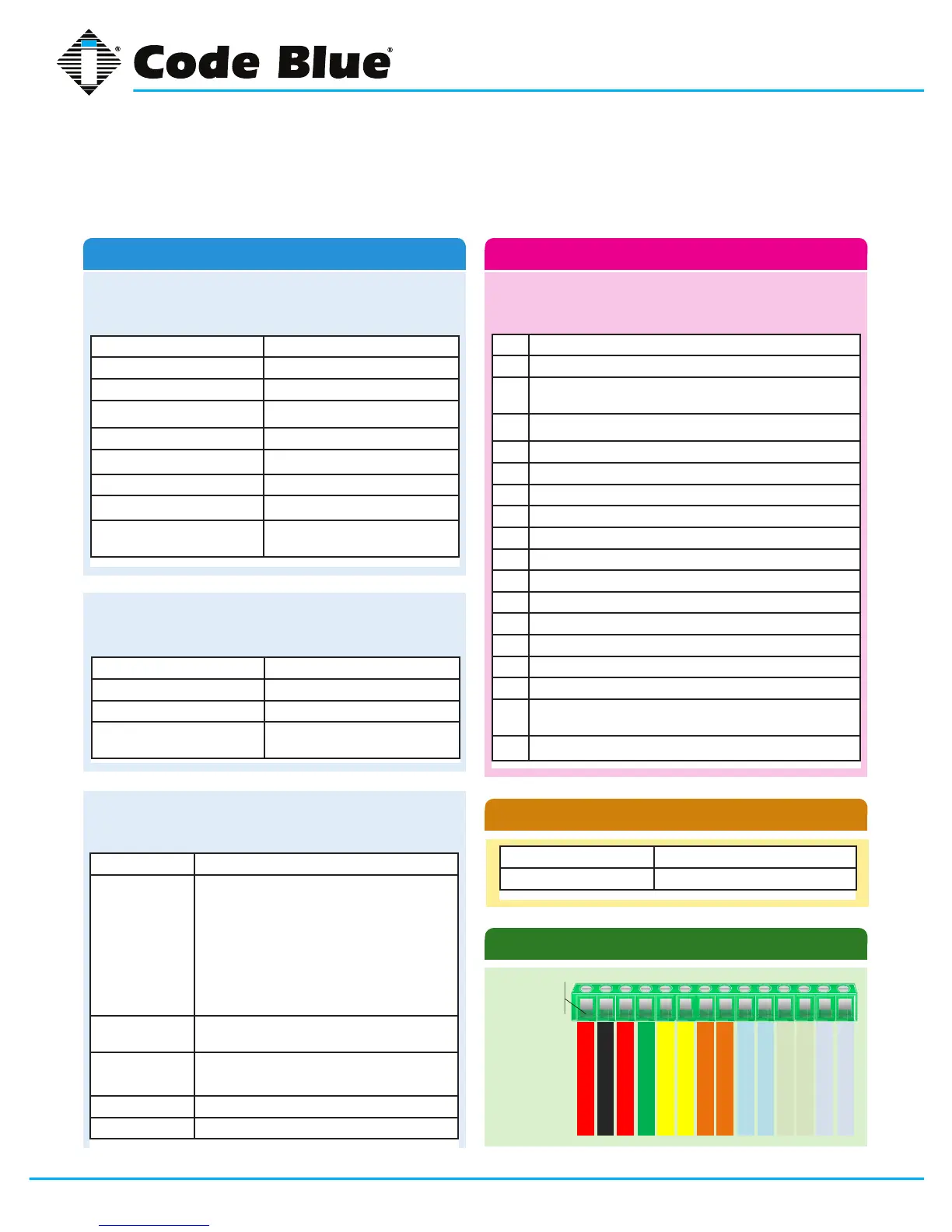
IA3100 14 PIN PLUG DIAGRAM
The following commands can be used by the called
party after the IA3100 places a call. These commands
cannot be used in programming mode.
0 Play 1st message
1 Extend off hook timer
2 Microphone gain toggle, (2 beeps = normal) (1 beep =
high)
3
Stop playing voice message
4
Turn on auxiliary output #1
5 Speaker toggle, (2 beeps = off) (1 beep = on)
6
Turn auxiliary output #2 on (invalid when slaved)
7 Transmit ANI (Automatic Number Identier)
8 Speaker volume up
9 Speaker volume down
*0 Mic on-off (2 beeps = off) (1 beep = on)
*1 Auxiliary output stays on for 10 mins
*2 Auxiliary output stays on for 20 mins
*3 Auxiliary output stays on for 30 mins
*4 Turns off auxiliary output #1
*5 Turns off auxiliary output #2 (invalid when slaved)
*6 Disable auxiliary input #1 (valid when cmd 85 has been
programmed)
# Hold for 2 seconds to exit call (hang up)
Commands During A Call
Auxiliary Output #1 Closed until end of the call
Auxiliary Output #2 Slaved to Auxiliary #1
Auxiliary Outputs (default)
Pin 1
12 – 2
4
V A
C
or
DC
12 – 24V A C or DC
P
hone Line TIP
P hone L ine R ING
Aux O utput #1
Aux Outpu
t #1
Aux Output #2
Aux Output #2
Aux Input #1
Aux Input
#1
Aux In
p
ut #2
A
ux In
put #2
Aux Input #3
Aux Input #3


 To Next Page