EasyManua.ls Logo

Code Blue CB 1-s - User Manual

Default Icon
76 pages
Print Icon
To Next Page IconTo Next Page
Loading...
800.205.7186
www.codeblue.com
Administrator Guide
Installation | Configuration | Operation | Troubleshooting
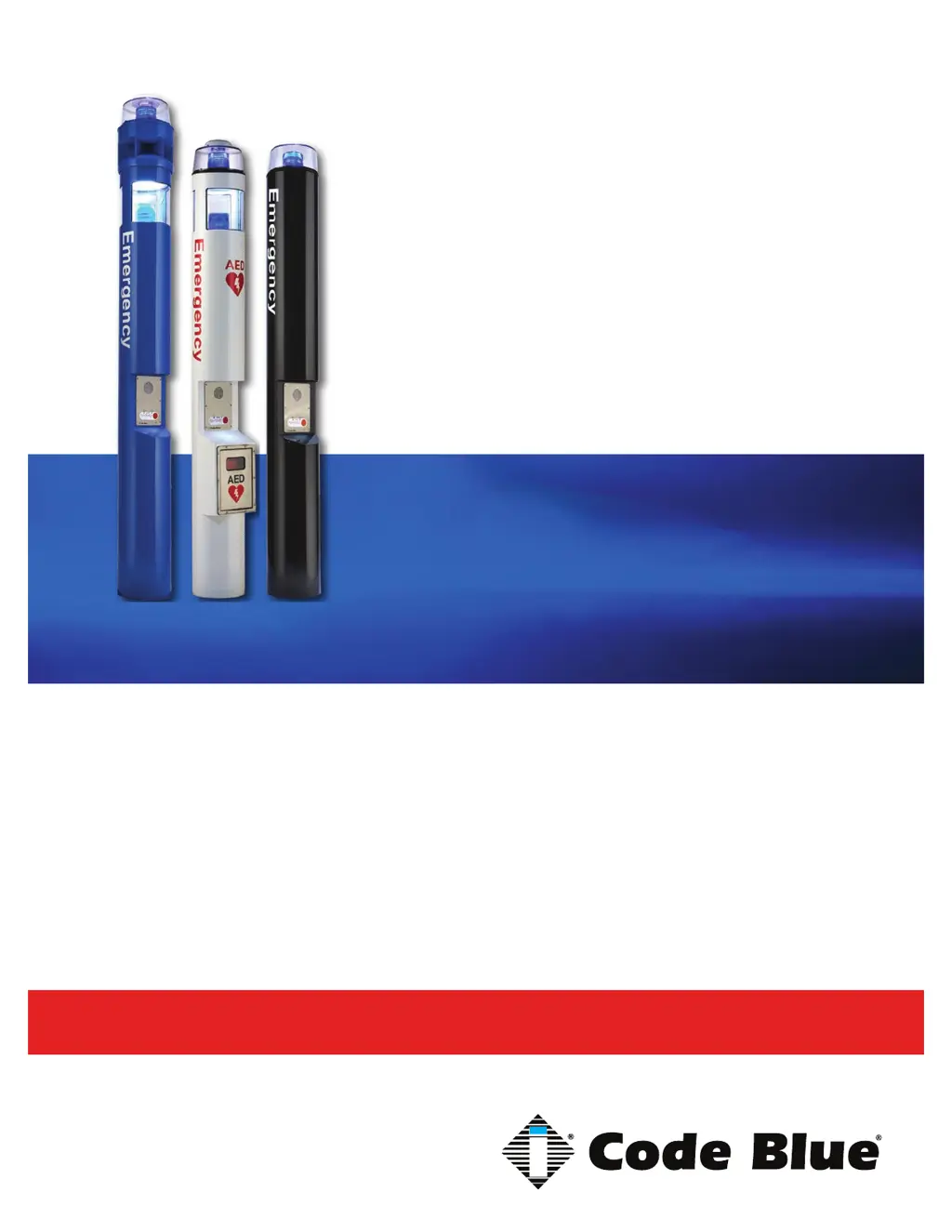
CB 1 Series
CB 1-e
CB 1-s
CB 1 Series with Public Address
CB 1-w with Solar/GSM/Wireless

Table of Contents

Other manuals for Code Blue CB 1-s

Questions and Answers

Summary

Getting Started with CB 1 Series Installation

Basic Install Instructions

Provides fundamental steps for initial unit installation and setup procedures.

CB 1 Series Power Requirements

Software Configuration for Code Blue Systems

CB 1-e and CB 1-s Installation Instructions

CB 1 Series Tower Base Gasket Installation Instructions

2.0 SET THE UNIT

Steps for placing and leveling the unit on the foundation anchor bolts.

3.0 Install the Base Gasket

Procedure for installing the base gasket onto the unit's anchor bolts.

CB 1-s with AED Installation Instructions

CB 1-w Installation Instructions

Cellular Retro Instructions

CB 1 Series Anchor Bolt Installation Instructions

1.0 FOUNDATION

Instructions for conduit, foundation pouring, and anchor bolt placement.

Overhead Camera Mount Installation Instructions

2.0 INSTALL CAMERA MOUNT

Procedure for mounting the camera mount to the unit.

Line Power Installation Instructions

2.0 CONNECT THE POWER WIRES

Steps for connecting the unit's power wires to the supply.

CB 1 Series Public Address Installation Instructions

NightCharge Installation Instructions

CAUTION:

Warning not to apply power until all other conditions are met.

IMPORTANT:

Note regarding compliance with national and local wiring codes.

3.0 OPTIONAL DIGITAL TRANSCEIVER (Model CB 1)

Steps for installing the optional digital transceiver for CB 1 models.

4.0 OPTIONAL DIGITAL TRANSCEIVER

Instructions for installing the optional digital transceiver for other models.

Solar and WindAssist Installation Instructions

2.0 SET THE UNIT

Steps for setting and securing the unit on anchor bolts.

3.0 INSTALL THE SOLAR PANEL AND WIND GENERATOR

Procedure for attaching the aluminum pole for solar panel mounting.

AED Access Instructions

PROGRAMMING:

Instructions for programming the unit, including fob synchronization.

S-1000 & S-1050 Installation Instructions

OPERATION

Steps to activate LEDs in PRIMARY-STEADYBURN MODE and SECONDARY-FLASH MODE.

LED Retro Area Light Installation Instructions

CB 1-D and CB 1-s Retrofit Installation

Instructions for upgrading existing Code Blue units to the A-700 LED Low Voltage Area Light.

Area Light Conversion and Upgrade Procedures

Covers converting plug-in strips and upgrading current area lights to A-700 LED.

PoE Installation Instructions

Electrical Connections and PoE Setup

Steps for electrical connections, manifold wiring, and PoE setup.

Blank Ring Installation Instructions

CB 1 Series Deck Mount Installation Instructions

1.0 DECK MOUNT FOUNDATION

Instructions for drilling deck holes and preparing the foundation.

CB 1-e and CB 1-s 24 V or 120 V Multi-Tap Power Brick Wiring (prior to 2015)

CB 1-e and CB 1-s 24 V or 120 V Multi-Tap Power Brick Wiring

CB 1-e 24 V Standard Wiring (after 2015) (with Fuse Block)

CB 1-e and CB 1-s 120 V Standard Wiring (prior to 03;2013) (with Hammond Transformer)

CB 1-e 120 V Standard Wiring (after 2015) (with Triad Transformer)

CB 1 Series NightCharge Wiring

CB 1 Series with Public Address Wiring

CB 1-w Standard Wiring

GSM Wireless Wiring Diagram

CB 1-s with AED, Public Address and IP Wireless

CB 1-s with AED Wiring

Multi Tap Transformer Wiring

Maintenance Schedule

DAILY OR WEEKLY

Routine checks for functional communications and unit status.

BIANNUALLY

In-depth inspection of electrical connections, gaskets, and unit exterior.

CB 1-s with AED Access and Maintenance

Code Blue CB 1-s Specifications

General IconGeneral
TypeEmergency Phone
ModelCB 1-s
MaterialStainless Steel
Vandal ResistanceYes
WeatherproofYes
CommunicationAnalog or VoIP
LED BeaconYes
Stainless Steel ConstructionYes
MountingWall
Power Supply12-24V DC or PoE

Related product manuals